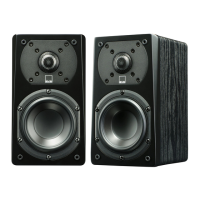
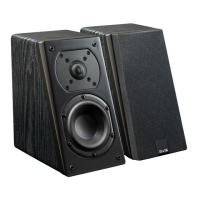
2 Premium Cloth Speaker
Grille Covers
8 Elastomer Bumper Feet
10’ Active-Passive Speaker
Interconnect Cable
Remote Control
2 AAA batteries for
Remote Control
Unboxing and Preparing
1. Locate elastomer feet in the packaging and attach 4 to the bottom of each Prime Pro Wireless
Speaker to protect surfaces and speakers from scratches.
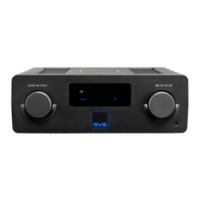
2. Remove protective plastic film from front panel display by gently peeling off using the tab in the
lower right corner.
3. Locate the power cord and the Prime Wireless Pro Powered Speakers interconnect cable for later
use.
4. Locate the 2 x AAA batteries and install them in the Remote Control
5. Install the protective grilles (optional). Prime Wireless Pro Speakers can be used with and without
grilles depending on your aesthetic preference, though please avoid making direct contact with
exposed drivers.
Front Panel Controls


 To Next Page