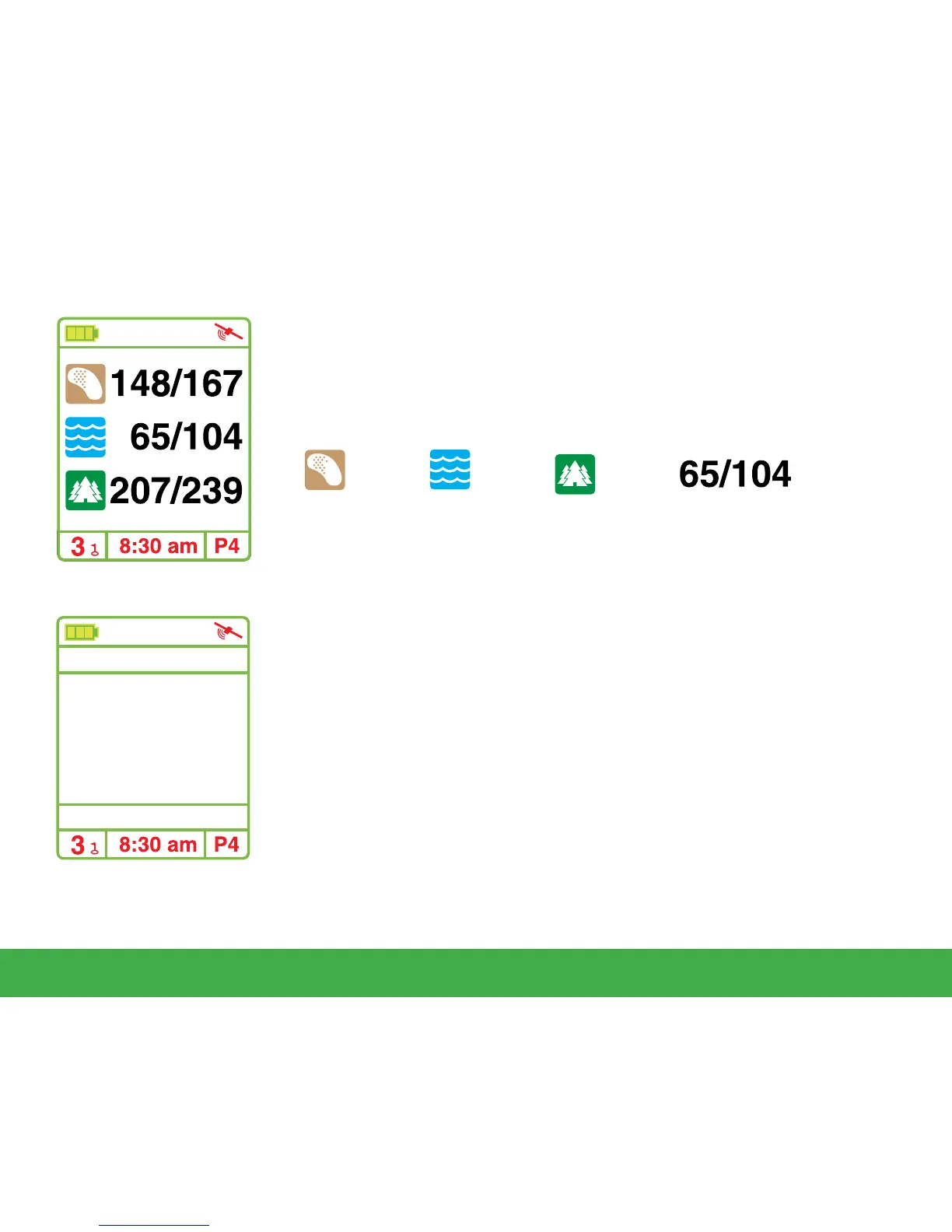
3.3 Hazard Screen
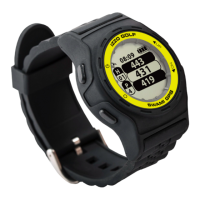
Hazard Screen will display layup and carry distances to bunkers,
water hazards, and doglegs. While in Play Mode, press the
[
Page
]
key to access the Hazard Screen. To return to Play Mode screen
(distances to green) Press [Page] again.
Bunker Water Dogleg Distance to
Layup/Carry
3.4 Shot Distance
Shot Distance Mode allows the user to measure the distance of
each shot. While at the Play Mode screen, press [Enter] to access
Shot Distance Mode.
After hitting a shot, hold the [Page] key for several seconds to set
the starting point (value will be reset to 0). As you travel to your
ball, the distance from your starting position will begin to calculate
and will be displayed on the screen. Press [Enter] to hold (pause)
the calculation.
To start a new measurement, press the [Enter] key to release from
hold (pause). Then press and hold the [Page] key to reset the
value to 0.
9
Using Swami on the Course
Shot Distance
Center
127
287
YD


 To Next Page