Settings
Meter/Yard
Y
Backlight Control
Language
Time Set
4:21 pm
Time Format 12 H
11
4. Swami Settings
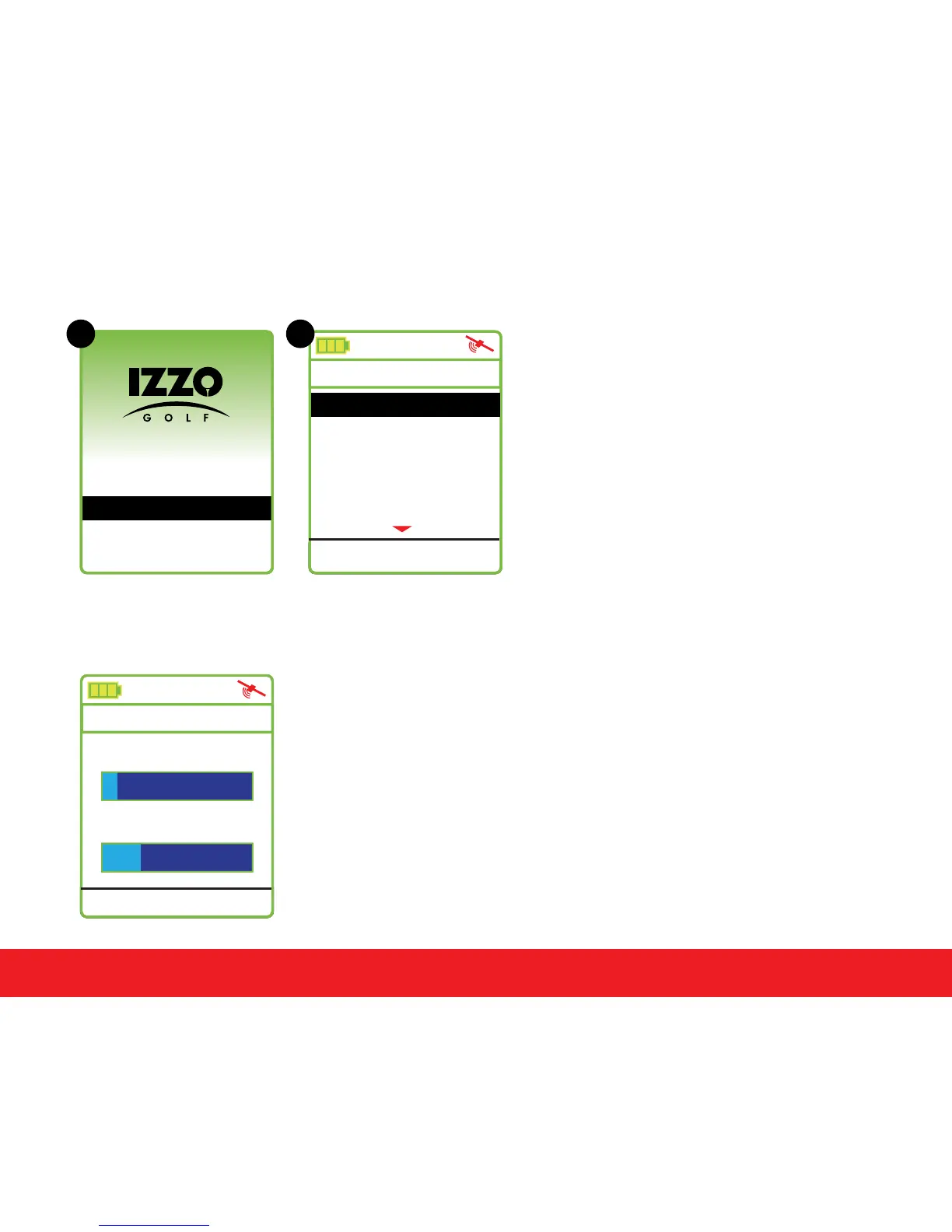
From the (A) Start Menu, use the
[
Up
]
and
[
Down
]
keys to select
Settings and press
[
Enter
]
key
to access (B) Settings Menu.
PLAY
SETTINGS
POWER OFF
A B
4.1 Backlight Control
The Swami 4000+ features auto backlight and power off
function to save power. If you don’t touch any key for a specic
time period, the screen will turn dark automatically. Select the
Backlight Control option on the Settings Menu and press the
[
Enter
]
key
.
Use the
[
Up
]
key to edit the backlight duration. Use
the
[
Down
]
key to edit the power off duration. To return to the
Settings Menu screen, press the
[
Enter
]
key.
Swami Settings
Backlight Value
10 min
Backlight Setting:
Power Off Setting:
3:48 pm
30 min



 To Next Page