12
4.2 Unit - Meter/Yard
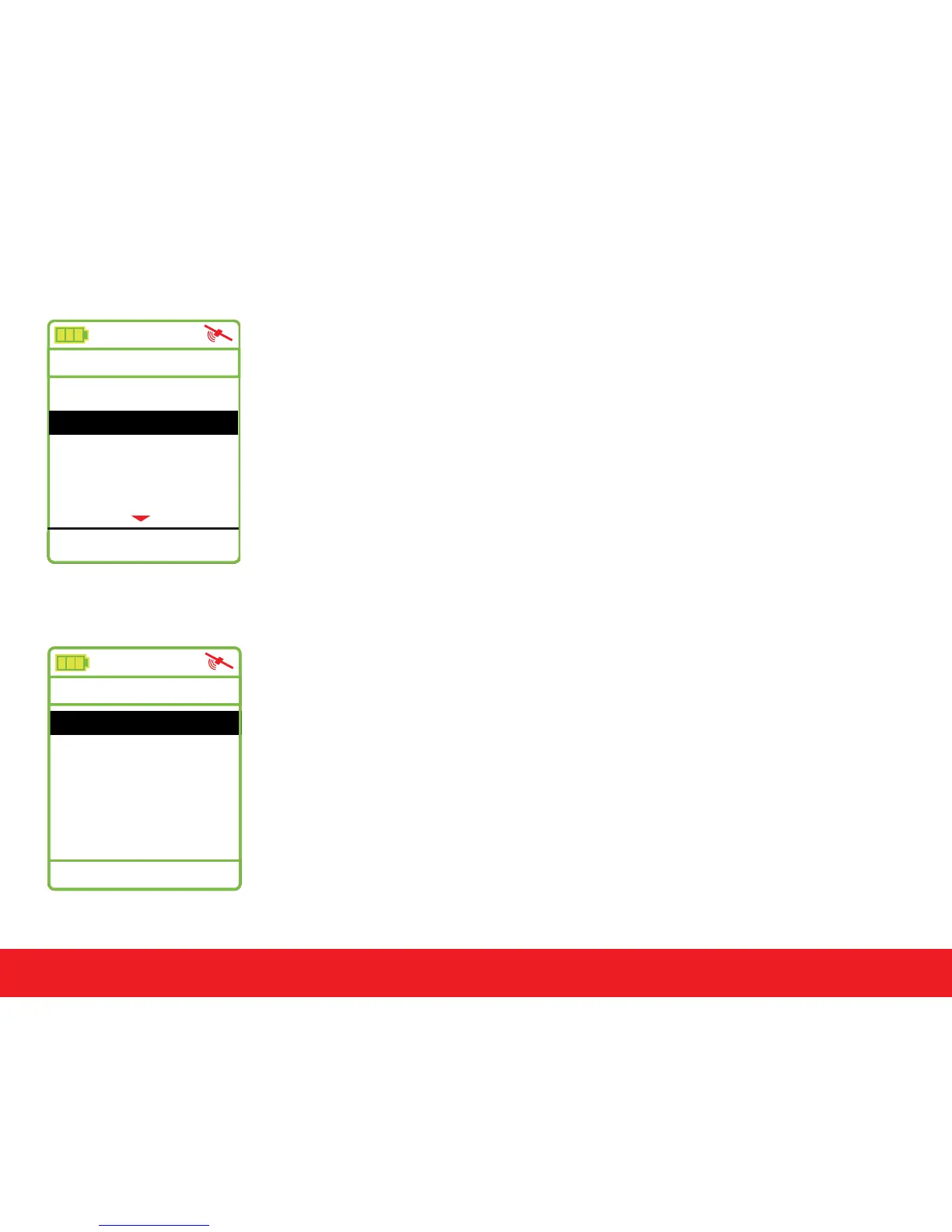
The Swami 4000+ allows users to change the unit of measure
between yards or meters. Select the Meter/Yard option on the
Settings Menu then press
[
Enter
]
to change the unit of measure.
(Note: Y = Yard and M = Meter). When desired option is selected,
press and hold
[
Enter
]
key for a few seconds to return to the
Start Menu.
4.3 Language
To change the language of the device, select the Language
option in the Settings Menu. Use the
[
Up
]
and
[
Down
]
keys
and scroll to the desired language, then press the
[
Enter
]
key to
select it.
The following languages are available:
(English, French, German, Spanish).
Swami Settings
Settings
Meter/Yard
Y
Backlight Control
Language
Time Set
4:21 pm
Time Format 12 H
Language
English
French
German
Spanish
4:21 pm



 To Next Page