Swami Settings
13
5.5 Time Format
1. From Time Mode page, press and hold OK/Menu key
to access Main Menu.
2. Use Up or Down key to select Settings and press
OK/Menu key.
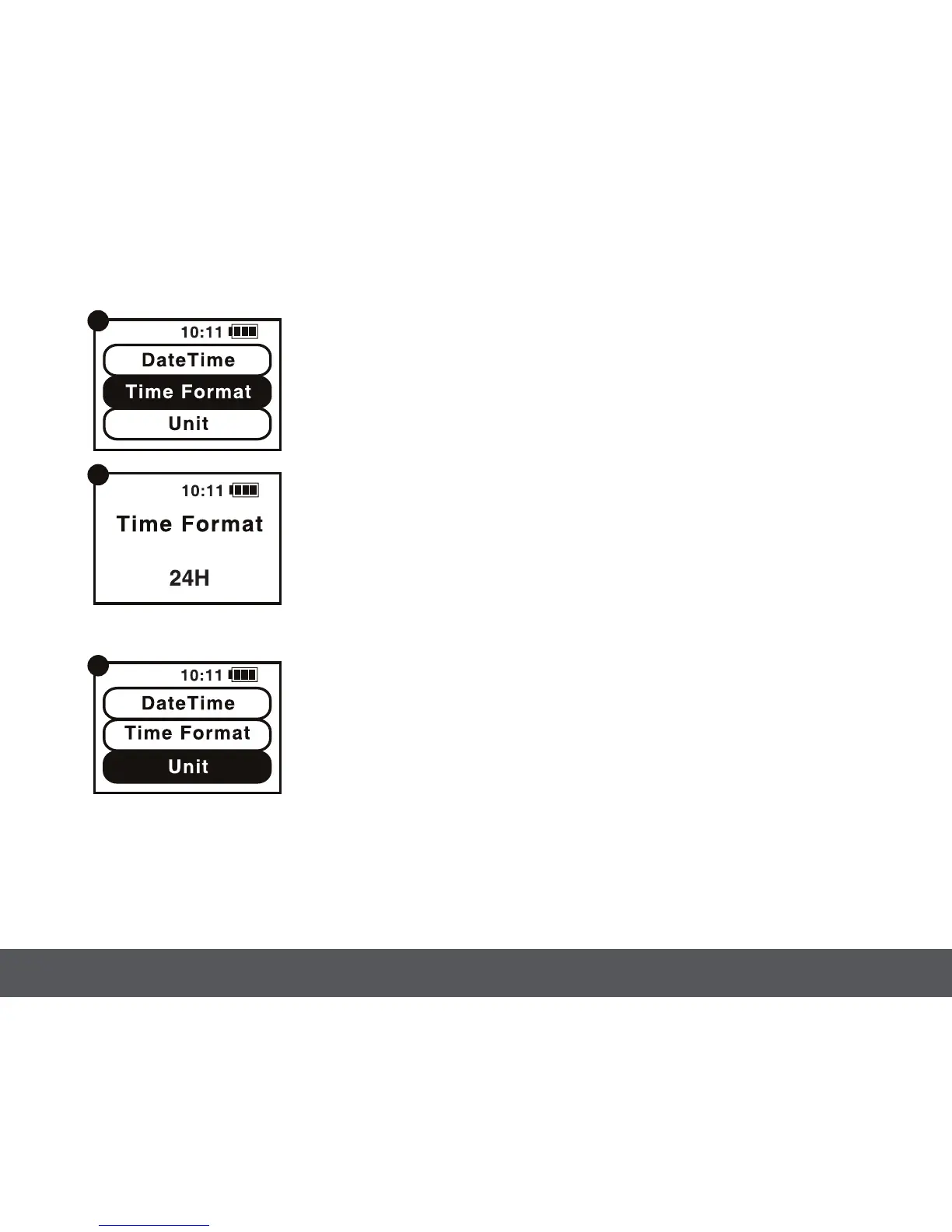
3. Use Up or Down key to select Time Format and press
OK/Menu key (Figure A).
4. Use Up or Down key to set 12H/24H and press
OK/Menu key (Figure B).
5. Press and hold OK/Menu key to return back
to Settings Menu.
5.6 Unit - Change unit of measurement between yards and meters
1. From Time Mode page, press and hold OK/Menu key
to access Main Menu.
2. Use Up or Down key to select Settings and press
OK/Menu key.
3. Use Up or Down key to select Unit and press
OK/Menu key (Figure A).
4. Use Up
or Down key to select Metric/Imperial and press
OK/Menu key.
5. Press and hold
[
OK/Menu
]
key to return back to
Settings Menu.
A
B
A



 To Next Page