3
1.3 Screen Display Description
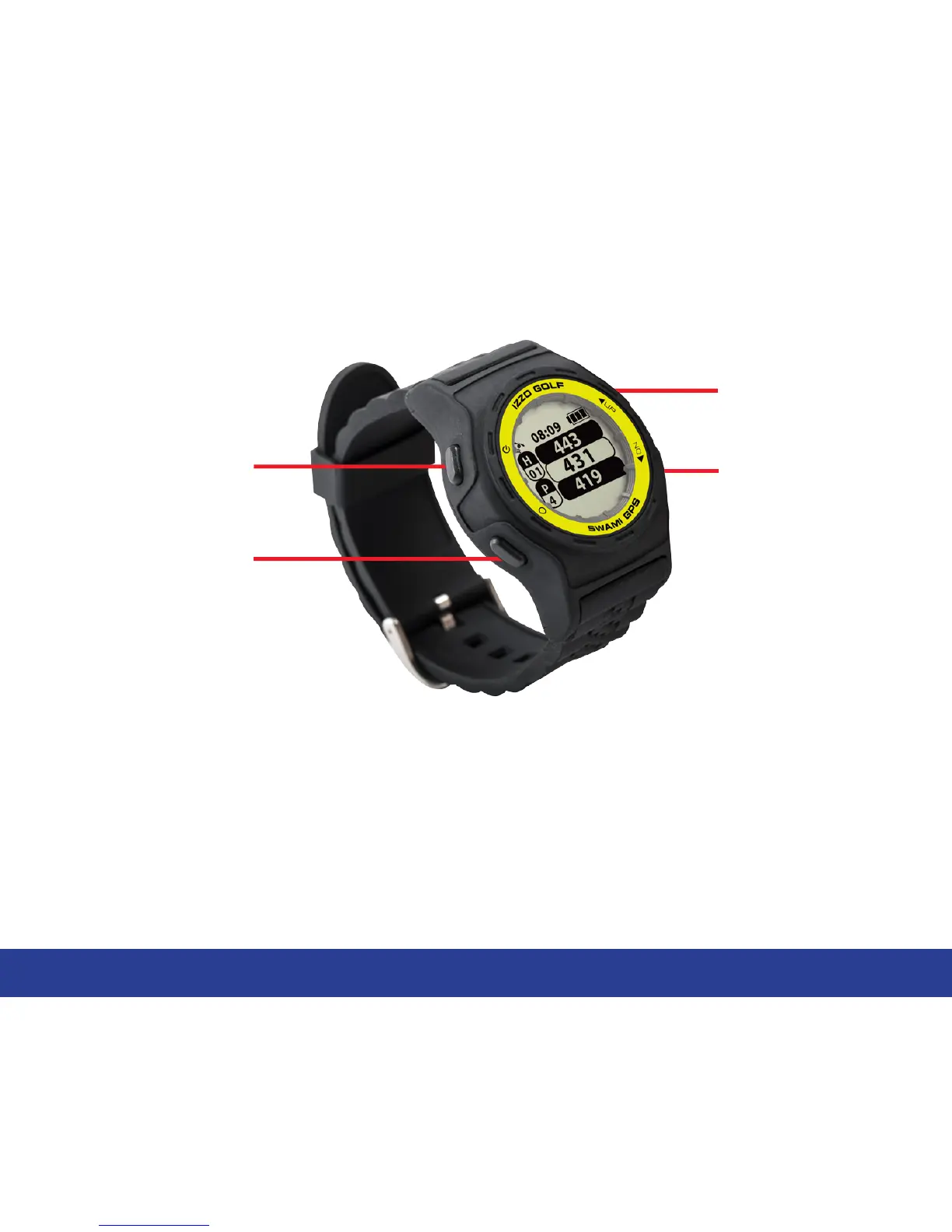
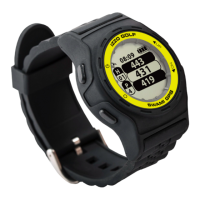
Key Description:
• Power/Backlight: Press and hold (3 seconds) to turn the device on and off. Press
once to turn on backlight.
• OK/Menu: Press to select menu options and acknowledge messages. Press to switch
pages (Green View, Shot Distance, Scorecard, and Odometer) Press and hold to
open Main Menu.
• Up: Press to scroll up through menus, holes, and settings.
• Down: Press to scroll down through menus, holes, and settings.
Up
OK/Menu
Down
Power/Backlight
General Description of Hardware


 To Next Page