4
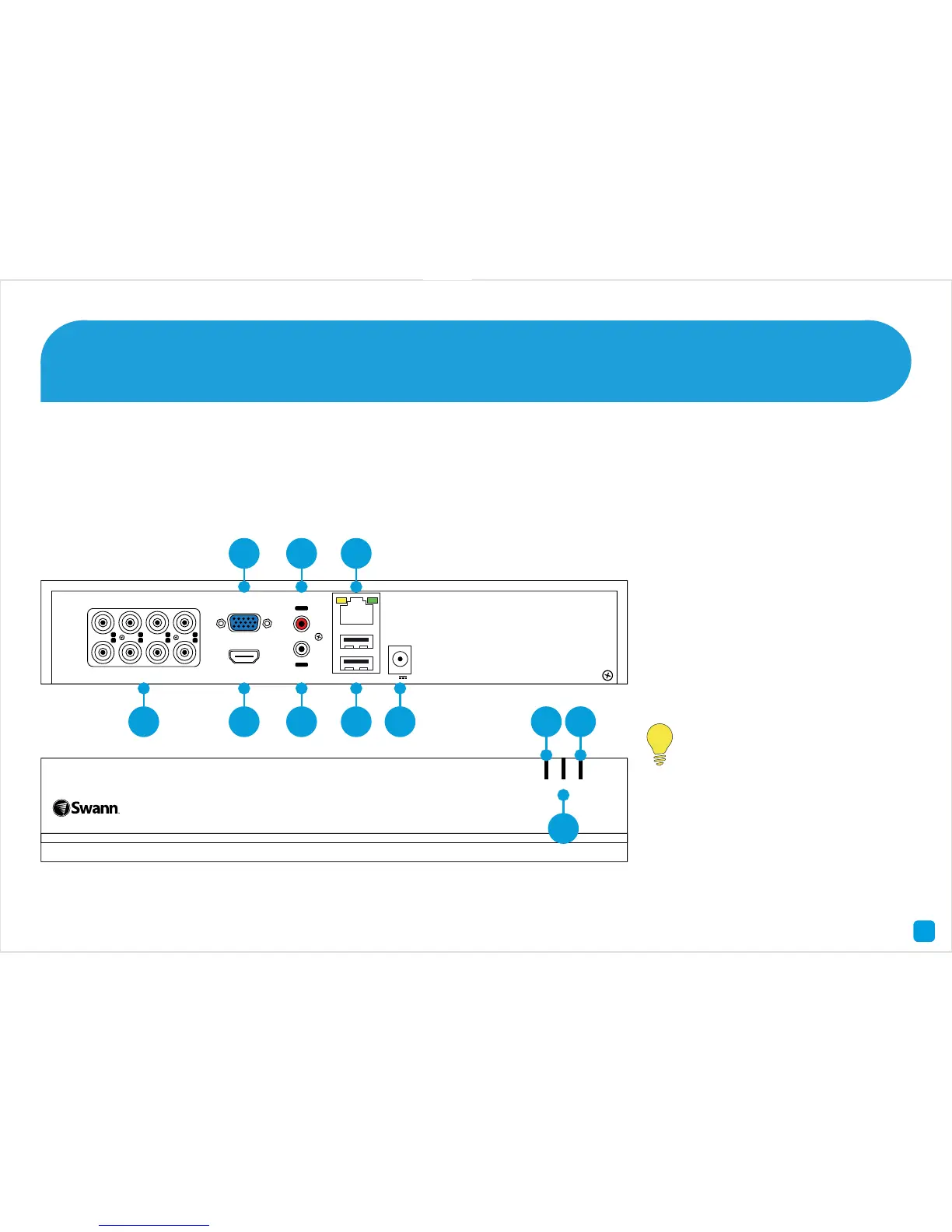
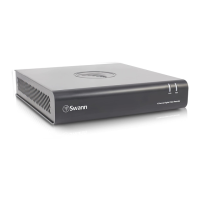
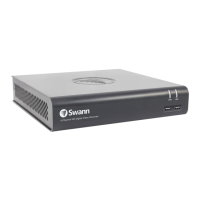
Congratulations on the purchase of your Swann DVR. This quick start guide will assist you on getting your DVR up and
running as soon as possible. We recommend that you connect everything and give it a try before you do a permanent
installation, to make sure nothing was damaged during shipping. On the other side is a detailed connection map which
illustrates the various connections on the DVR.
1) Video In
2) VGA
3) HDMI
4) Audio In
5) Audio Out
6) LAN
7) USB
8) Power Input
9) PWR LED
10) HDD LED
11) NET LED
Getting to know your DVR
2
Look out for the light bulb icon,
as this provides information on
the operation of your DVR.
1
2
3
4
5
6
7
8
ININININ
OUT
VIDEO IN HDMI
VGA
AUDIO LAN & USB
12V
1 3 5 7 8






 To Next Page