3
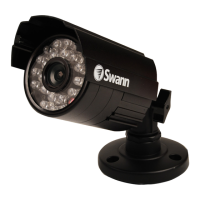
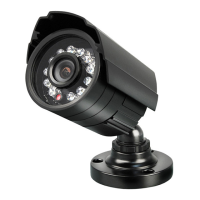
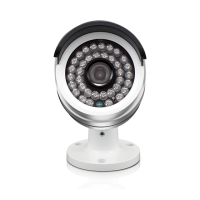
Congratulations on your purchase of this Swann PRO-540/PRO-541 Camera!
This installation and setup guide will walk you through the basics of:
• Mounting your camera
Choosing a location, Aiming the camera, Suitable mounting surfaces
• Connecting the camera
Where to connect power, How to run cables for improved weather-resistance
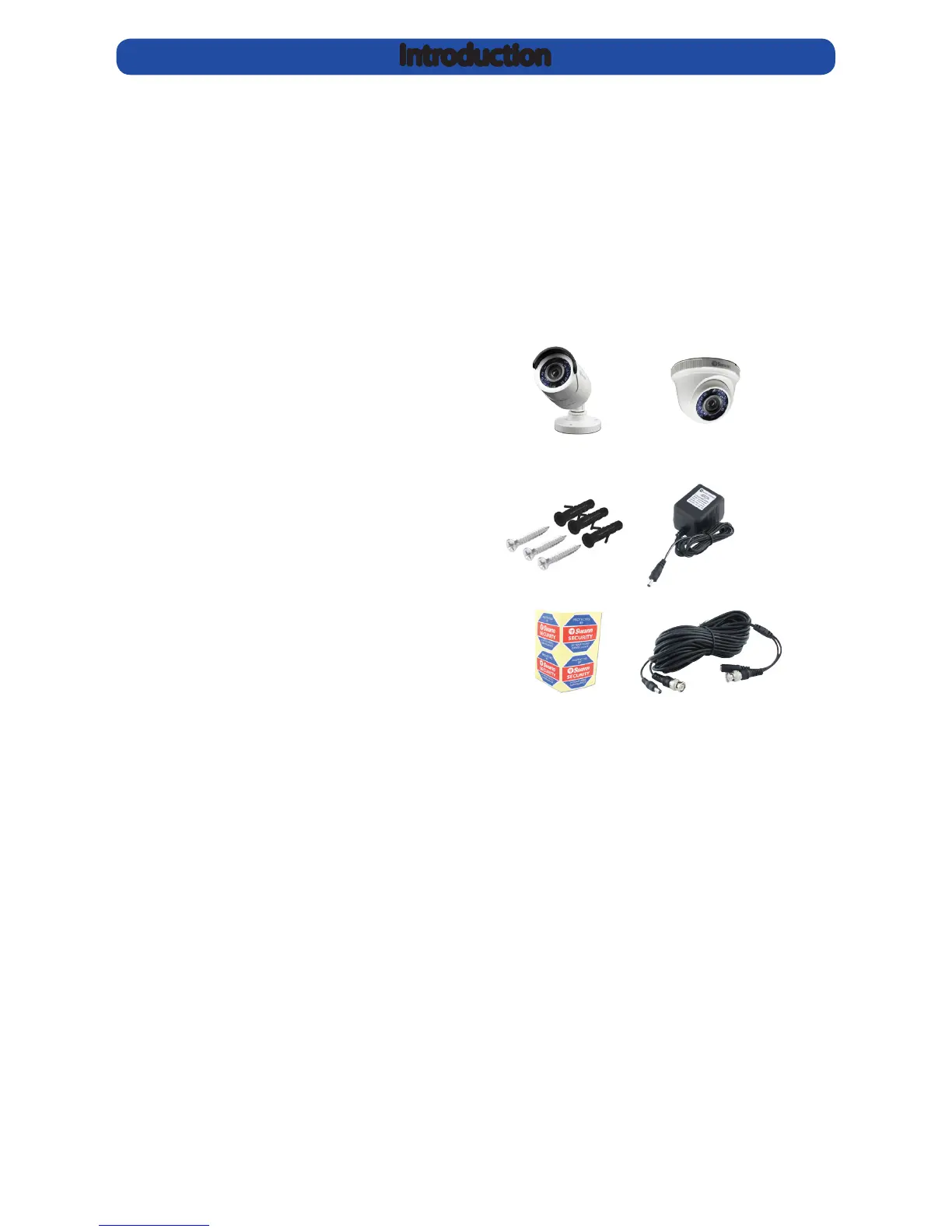
Your package contains:
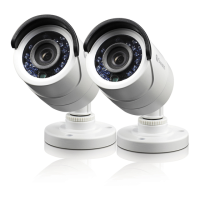
• 1, 2 or 4 PRO-540/PRO-541 Camera(s)
• 1, 2 or 4 DC/Video Cable(s)
• 1 x Power Adapter
• 1 x 2-way DC Power Splitter and
/ or 1 x 4-way DC Power Splitter
(2 and 4 camera packages only)
• Mounting Hardware
• Security Notication Stickers
• Operating Instructions
The PRO-540/PRO-541 Camera is very sensitive to light and therefore can make use
of even the smallest amount of light to provide an image of what it sees. In low light,
this comes through as a black and white image.
In complete or near-total darkness, the camera uses built-in infrared LEDs to
illuminate the area in front of it. This light is invisible to the human eye, although you
might notice a faint red glow coming from the front of the camera - this is normal.
In day or well lit environments, the IR Cut Filter feature of the camera activates to
lter out wavelengths of light the camera does not need in order to provide a clear
colour image.
Introduction


 To Next Page