4
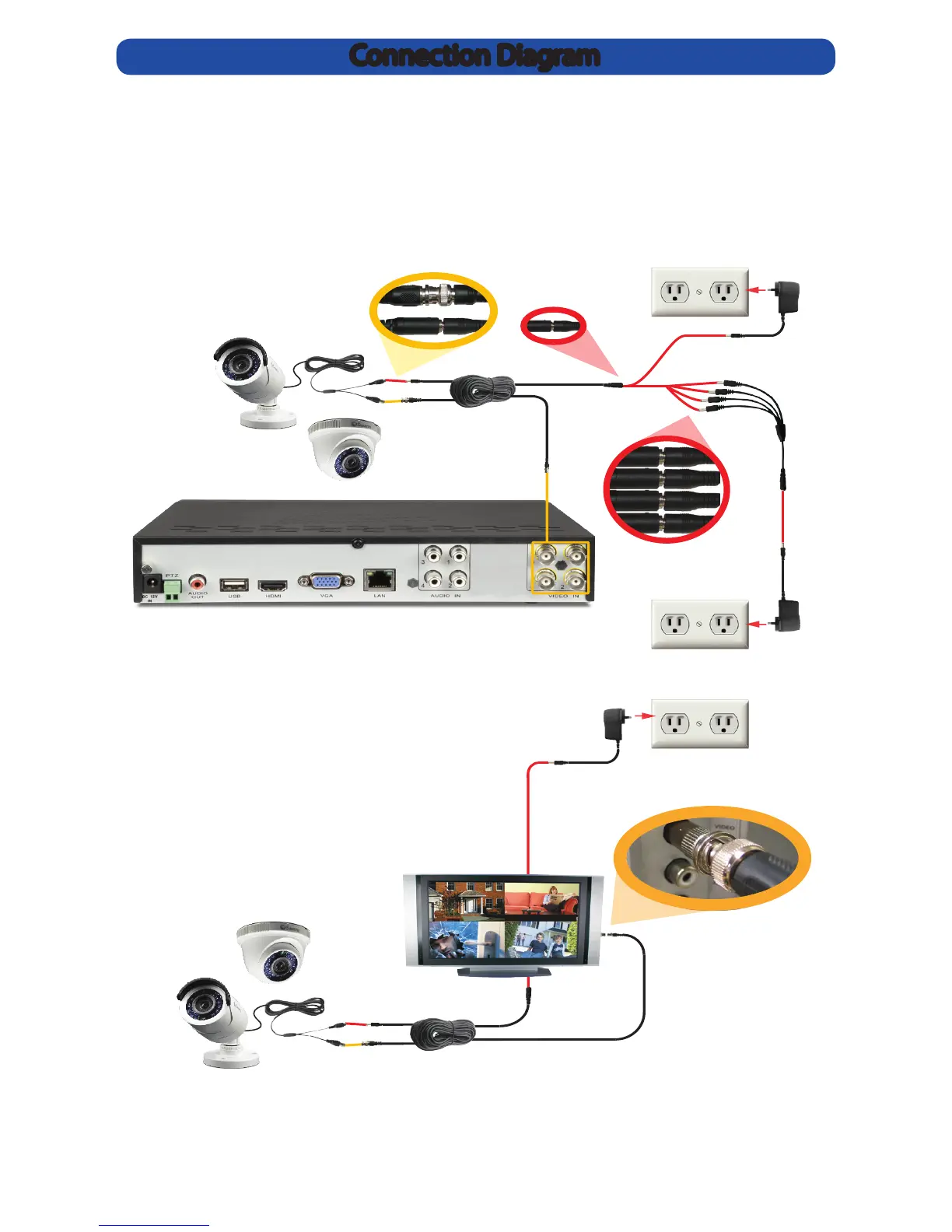
Connection Diagram
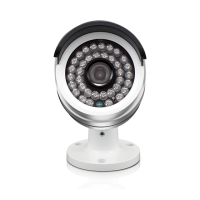
Connect the camera’s DC and
BNC socket cable to the extension
cable’s DC and BNC plugs. Then
connect the BNC extension cable
to an open channel on the back of
the DVR.
For a single camera:
Connect the extension
cable’s DC socket to the
DC plug on the power
adapter.
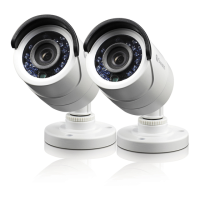
For 2 & 4 camera packs:
Connect the extension cable’s DC socket to
the multiple sockets on the power splitter.
Then, plug the single end of the power splitter
to the DC plug on the power adapter.
Connecting directly to a TV:
Connect the provided BNC to RCA
adapter to the BNC socket cable
and then connect to an available
input on your TV.


 To Next Page