English version
10
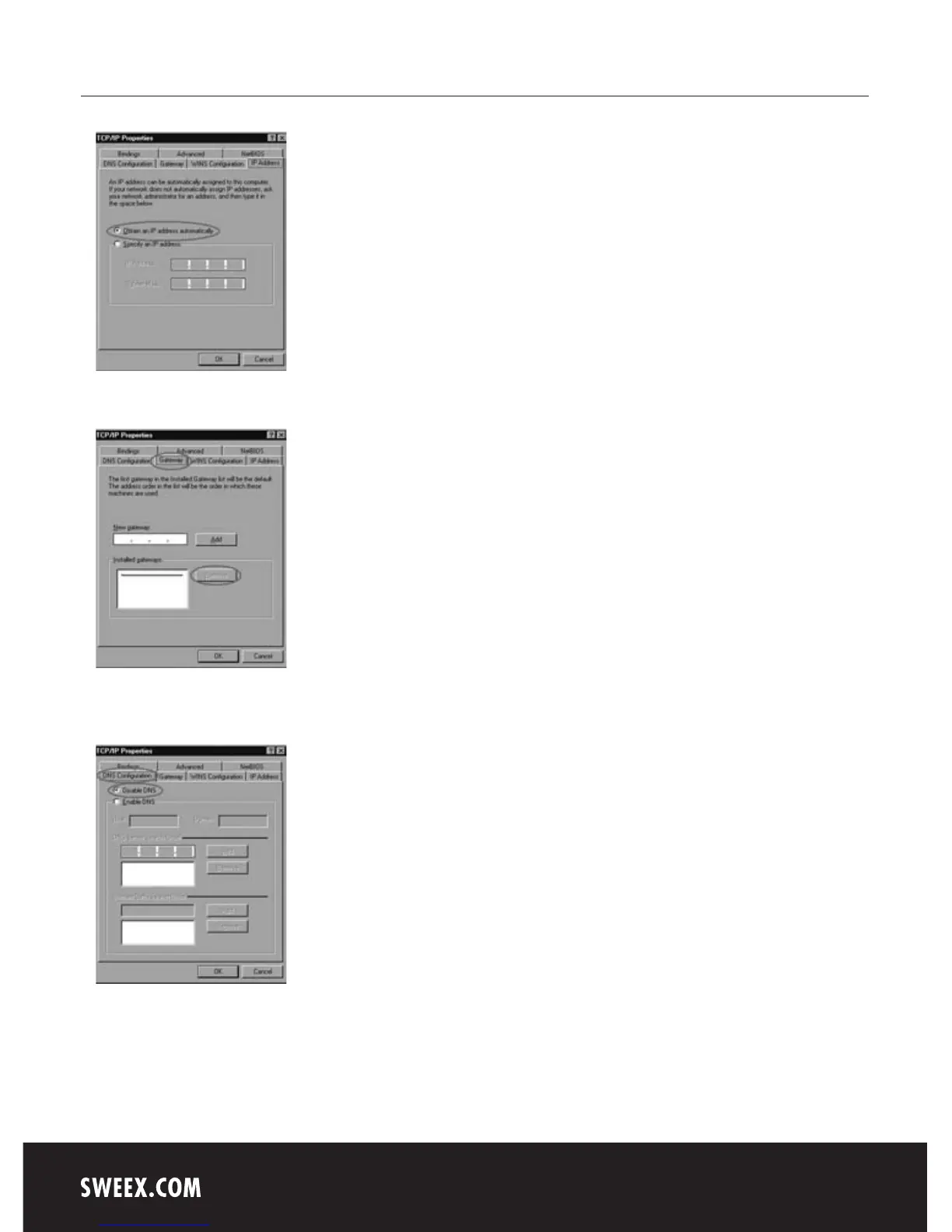
Under the tab “IP Address”, select the option “Obtain an IP address automatically”.
Under the tab “Gateway”, the list of “Installed gateways” must be empty. If so required, select each gateway and click “Remove”.
Under the tab “DNS Configuration”, select the option “Disable DNS”. Click “OK” twice.
The network settings for Windows 98SE have now been configured correctly. Now continue with the correct settings for the Internet browser below.



 To Next Page