English version
18
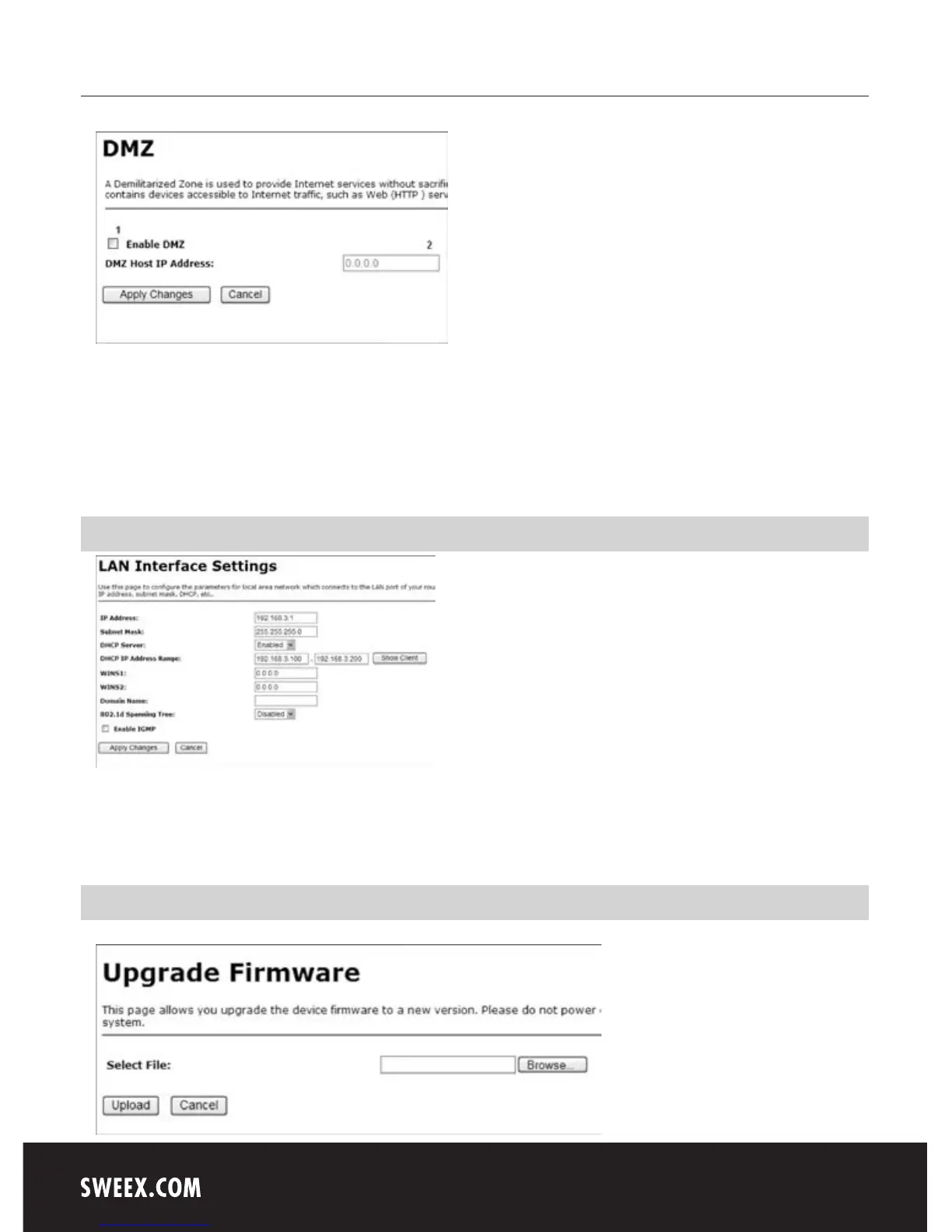
1. Tick “Enable”.
2. Under 2, enter the IP address of the computer, server or game console for which you want to open the ports. In most cases, the IP address will
start with 192.168.3…
LAN settings
The network settings of the router can be changed as follows. Left in the column, click “Advanced Config".
Under “IP Address”, the IP address of the router (192.168.3.1) is stated. Click “Apply Changes” to save the settings. Your browser will not look for
a new page. So do not wait, but log on to your router again, using the new IP address.
Upgrading the firmware of the router (Firmware)



 To Next Page