©2016 SwellPro All Rights Reserved
19
Note: Every radio controller was calibrated
beforeleaving our factory. Normally there is no
need todo the calibration again. If side ways ight
occurs after successful accelerometer & compass
calibration, please try to calibrate the radio
controller.
1. Turn on radio controller, and then power on
drone.
2. Connect to computer, and run the Assistant
Software.
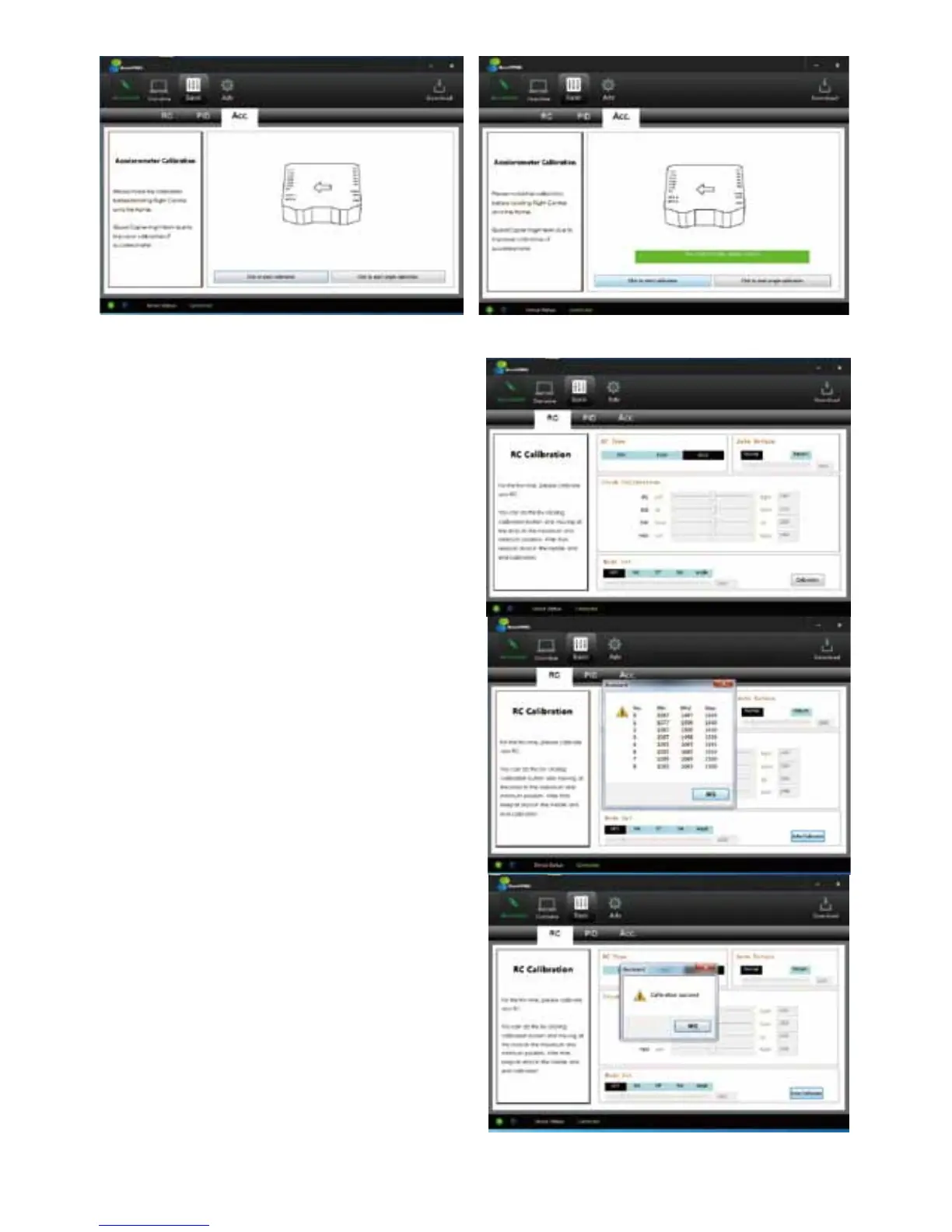
3. Choose “RC” in “BASIC” menu in the same
interface of assistant software, click "calibration" at
the right-lower corner, system pops up a reminder
dialogue to remind you what to do next.
4. Follow the dialogue to rotate 2 joysticks
(left/right) in clockwise circle two times with full
motion, then release.
5. Click "conrm", then give all reminder dialogues a
rm "OK" to complete calibration.
6. Click "write" in right-upper corner to save
changes, and disconnect by clicking "disconnect"
once again. Then the radio controller calibration is
completed.
4.3.2 RADIO CONTROLLER CALIBRATION
Calibration Steps:














 To Next Page