©2016 SwellPro All Rights Reserved
27
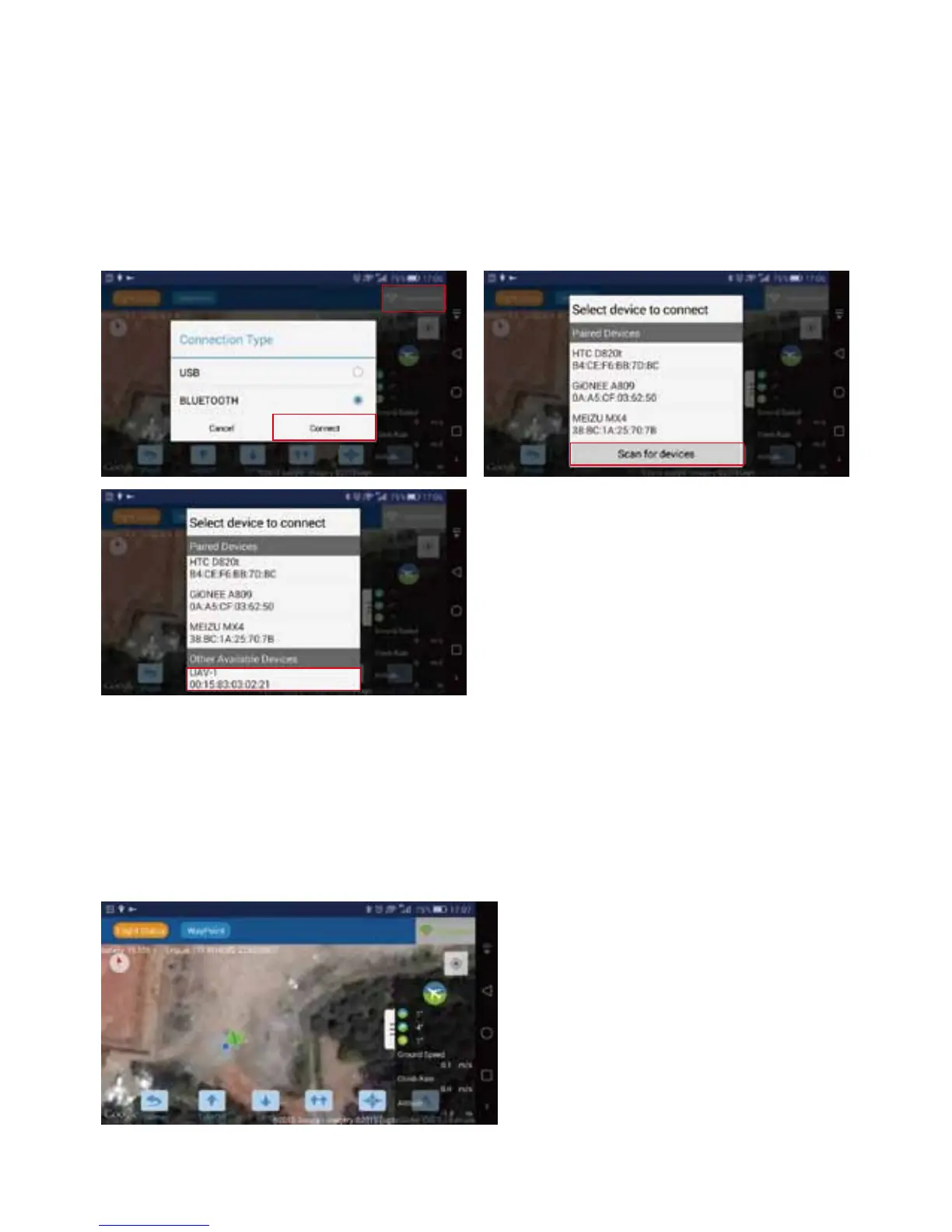
Note: The Bluetooth signal name always starts with "UAV….", see below pictures.
4. After nishing the steps above, turn on mobile's GPS &bluetooth, power on the receiver terminal, click
the wi icon in the right-upper corner, it will pop up "Connection Type" window. Choose "BLUETOOTH"
and press "Connect" to scan the available devices.
5. The right-upper wi icon will change to GREEN once the connection is successful. Then ight data will
be visible on the mobile device screen.
6. From here you can unlock the drone by the controller, then use the app to control thetake-o of the
drone, you can further control landing , altitude up or dow, hovering, return-home, as well as mission
planning and follow me functions etc.














 To Next Page