©2016 SwellPro All Rights Reserved
29
Follow-me
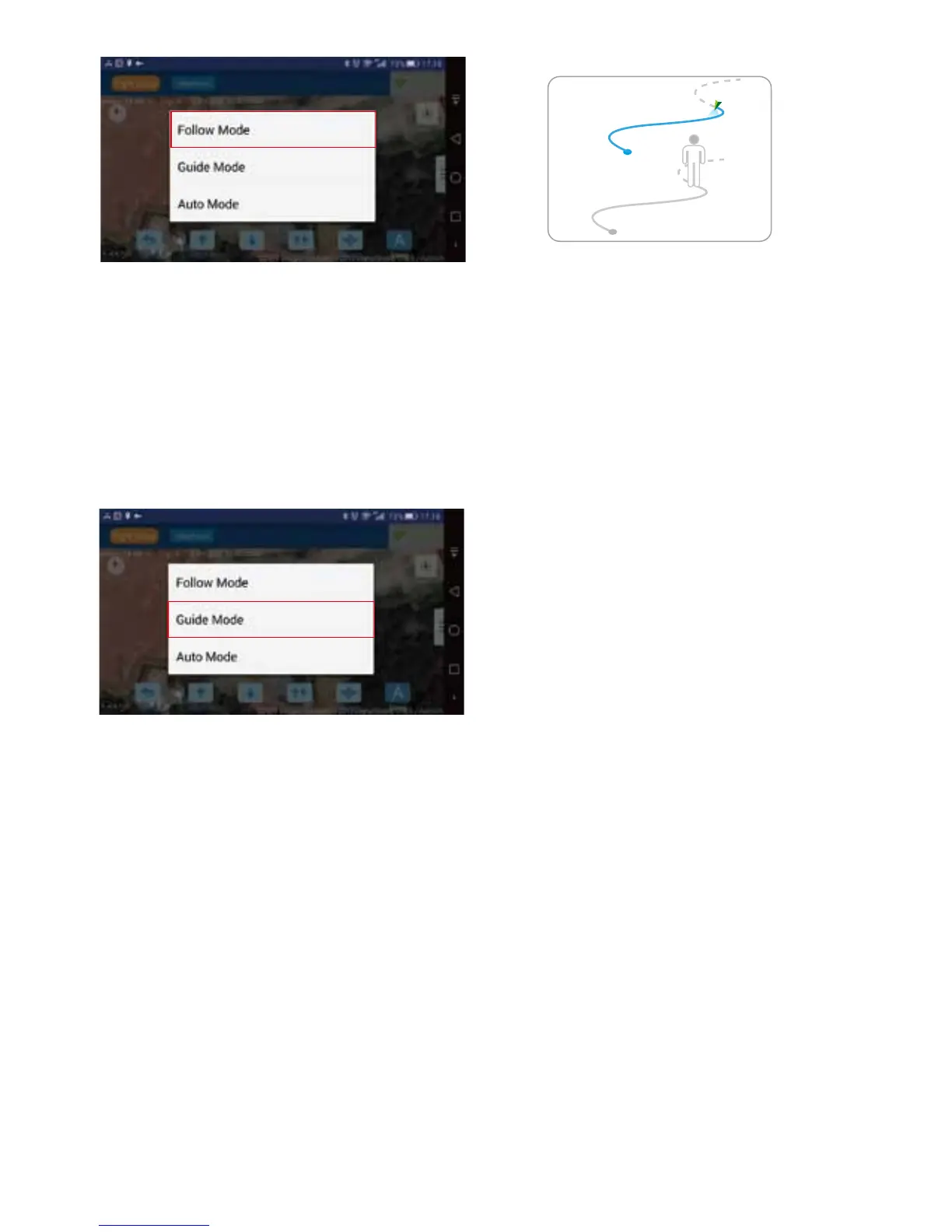
Tap " More" to choose "Guide Mode", then click the designated location, then the drone will
automatically y to the specied location and keep hovering when arrive. NOTE: Please be sure there are
no obstacles in the ight path between drones location and the destination selected. You may need to
raise the drone altitude to avoid any obstacles.
4.5.4 GUIDE MODE
Important Note:
1. An ideal wireless communication between the drone and the receiver for optimal autopilot functions
and performance.
2. If the drone fails to execute orders from the app, it’s probably inuenced by unexpected interference,
please try to resend new command.
3. Once the drone fails to execute any order from the app, please take manual control of the the ight by
radio controller. (Method: quickly ip SWC from GPS to ATTI once, then stay at GPS position as pictured
in section 4.2.1.2)














 To Next Page