6
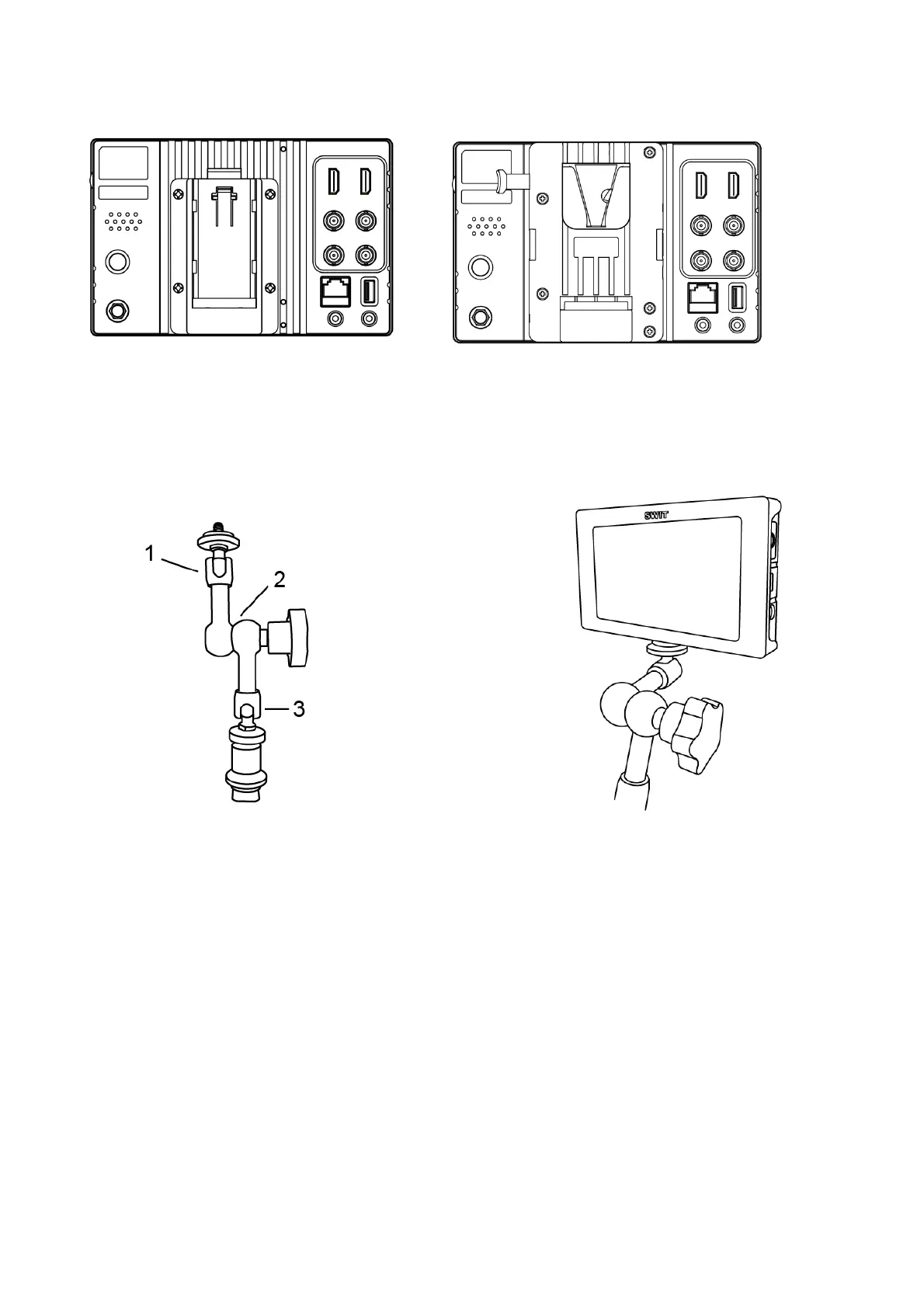
2. Battery plate
Take off the rubber cover in the rear panel of S-1073F; connect the power pins on the tail of the
battery plate to the power socket of S-1073F, fix with four screws. Mounting the battery to the plate can
power the monitor.
3. Arm Trestle
As shown in the picture above which marked with 1, 2, 3 of the arm trestle can be 360°rotated.
User can rotate to any position according to their needs.
There is a 1/4 thread mounting holes on bottom of the monitor to connect the monitor and arm
trestle together.



 To Next Page