Clock setting (cont’d)
Getting started
24
4
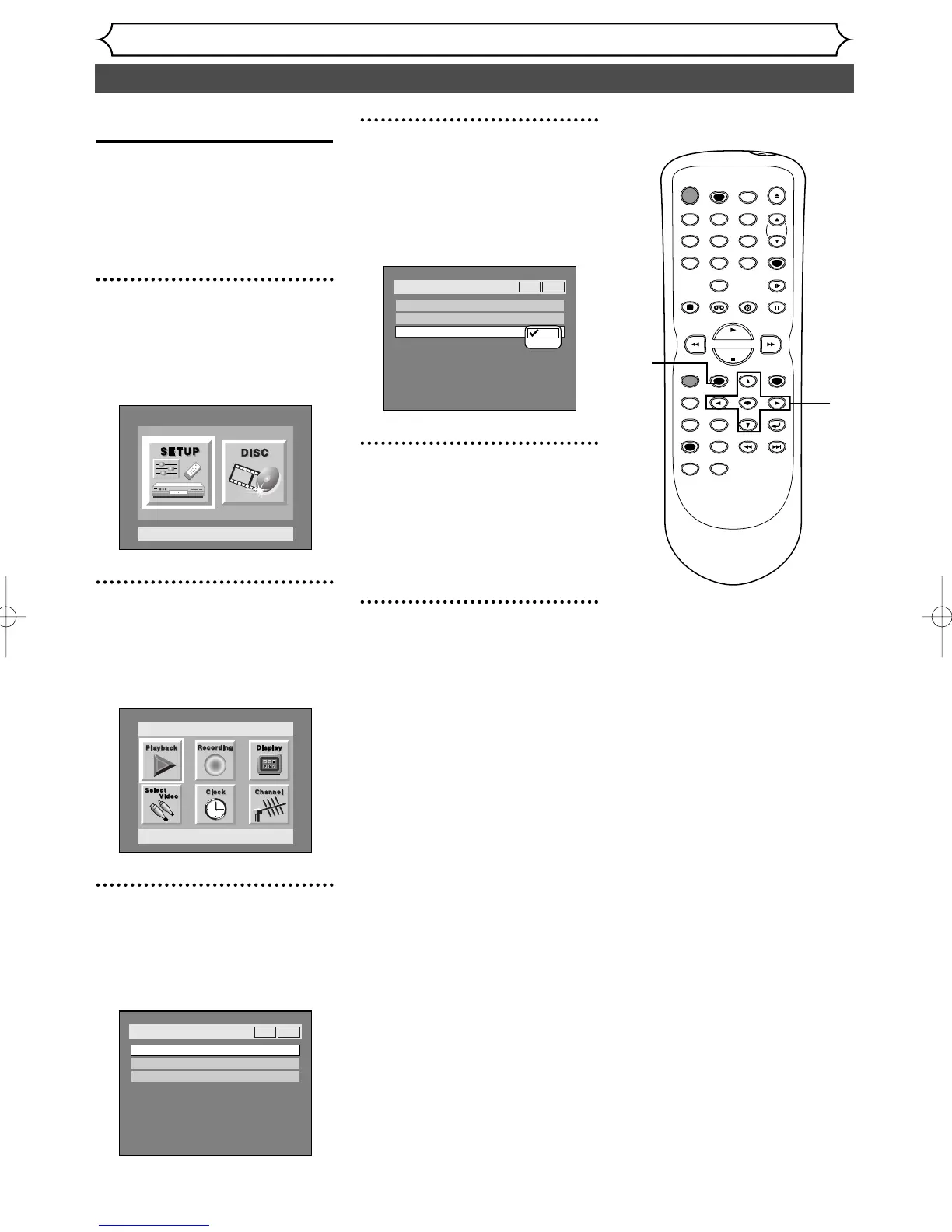
Select “Daylight Saving
Time” using K / L buttons,
then press ENTER button.
Daylight Saving Time options will
appear.
5
Select “ON” or “OFF” using
K / L buttons, then press
ENTER button.
Choose “ON” when currently
observing the daylight saving time.
6
Press SETUP button to exit.
Setting the daylight sav-
ing time
When Daylight Saving Time is
ON, the clock will automatically
move forward one hour on the
first Sunday in April and move
back one hour on the last Sunday
in October.
1
Press SETUP button to dis-
play SETUP/DISC menu.
SETUP/DISC menu will appear.
Screen:
2
Select “SETUP” using { / B
buttons, then press ENTER
button.
SETUP menu will appear.
3
Select “Clock” using K / L /
{ / B buttons, then press
ENTER button.
Clock menu will appear.
TIMER PROG.



 To Next Page