52
Search
Playing discs
Title/Chapter search
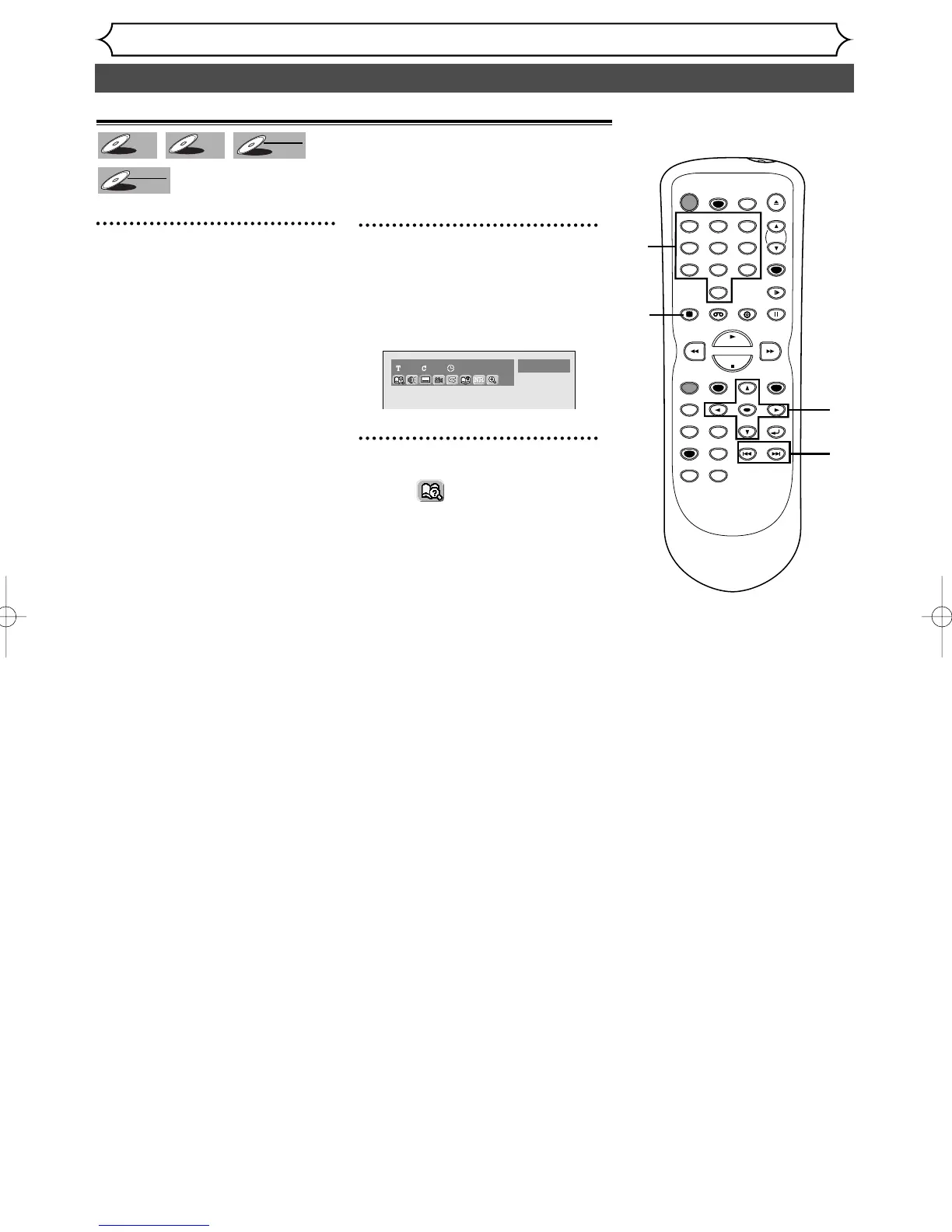
Using SKIP H / G buttons
1
During playback, press SKIP
G button to skip the cur-
rent title or chapter and
move to the next.
The title or chapter will move
forward one at a time.
To go back to the previous title
or chapter, press SKIP H but-
ton.The title or chapter will move
backward one title at a time.
Using DISPLAY button
1
During playback, press DIS-
PLAY button.
The display menu will appear.
Screen:
2
Select icon using { / B
buttons, then press ENTER
button.
‘T’ for title will be highlighted.
Title:
Enter a desired title number
to search using K / L buttons
or number buttons, then
press ENTER button.
Title search will start.
Chapter:
To move to ‘C’ for chapter, press
B button.
Enter a desired chapter num-
ber to search using K / L but-
tons or number buttons, then
press ENTER button.
Chapter search will start.
TIMER PROG.



 To Next Page