EasyManua.ls Logo

Sylvania SCR1997 - User Manual

Sylvania SCR1997
23 pages
Print Icon
To Next Page IconTo Next Page
Loading...
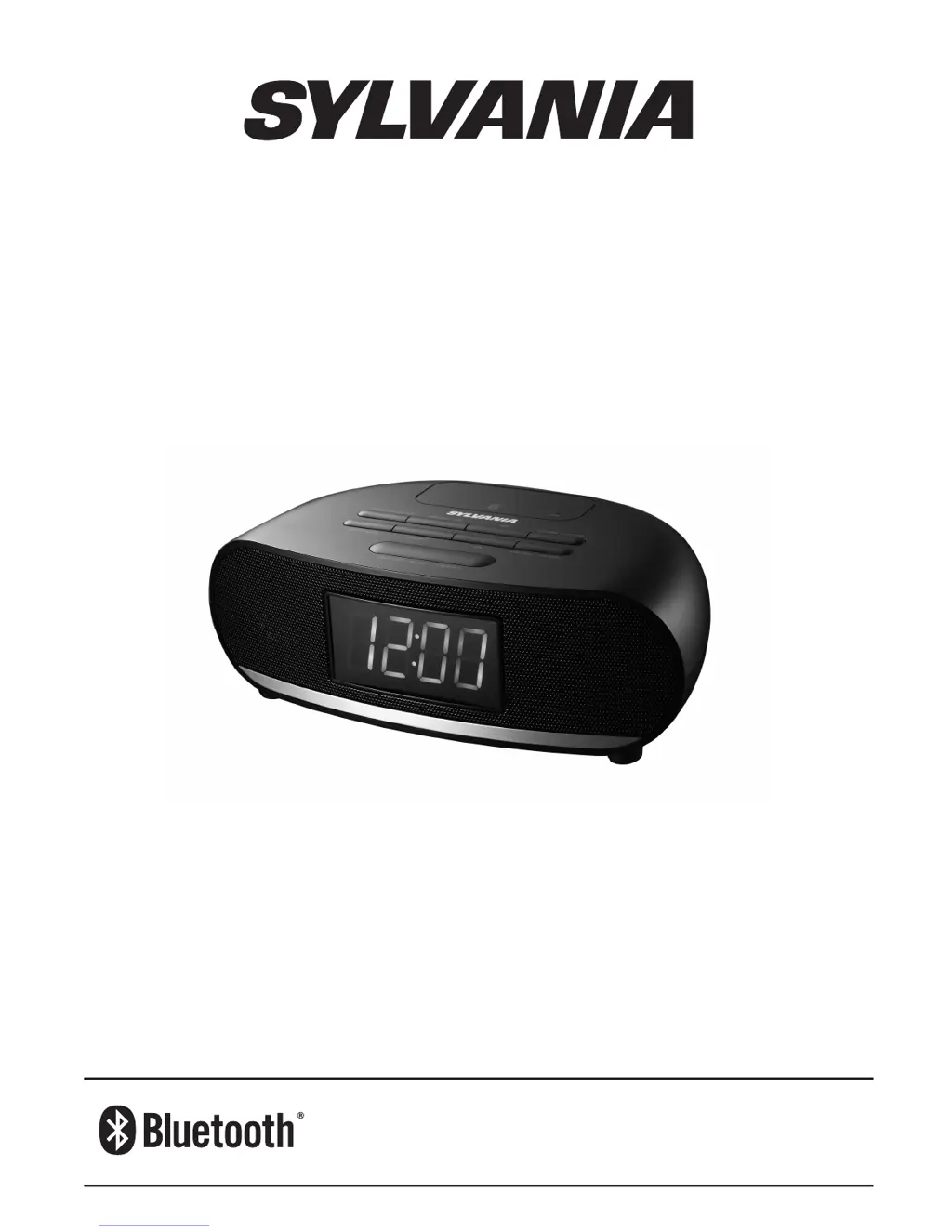
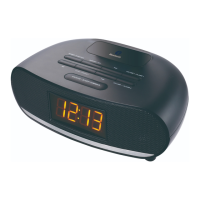
SCR1997-BLACK
OPERATING INSTRUCTIONS
Bluetooth
®
Clock
Radio with USB
The Bluetooth® word mark and logos are owned by the Bluetooth SIG, Inc.
All other trademarks and trade names are those of their respective owners.

Questions and Answers

  • J
    Jessica BartlettAug 1, 2025
    How to fix a Sylvania SCR1997 that has no power?
    • J
      Jasmine JohnsonAug 1, 2025
      If your Sylvania Clock Radio isn't responding and has no power, first, ensure the AC adapter is correctly plugged into both the wall outlet and the DC IN jack on the back of the unit. If it's still not working, test the wall outlet by plugging another device into it to check if the outlet is functioning.
  • S
    Samantha MurrayAug 8, 2025
    Why is there no sound from my Bluetooth device on my Sylvania Clock Radio?
    • D
      David RomeroAug 8, 2025
      If you're not getting any sound from your Bluetooth device on your Sylvania Clock Radio, make sure the unit is set to Bluetooth mode. Also, check to see if an AUX IN cable is connected; if it is, disconnect it.
  • J
    James CurryAug 13, 2025
    What to do if the sound is distorted on my Sylvania Clock Radio?
    • N
      nataliedelgadoAug 14, 2025
      If the sound from your Sylvania Clock Radio is distorted, try decreasing the volume level and adjusting the Bass level. If the problem persists, the sound source itself might be distorted, so try using a different audio source.
  • R
    Rachel RomeroAug 19, 2025
    What to do if external audio device does not respond to Sylvania SCR1997?
    • T
      Tyler SandersAug 19, 2025
      If the external audio device does not respond to the Sylvania Clock Radio, ensure the unit is set to AUX IN/Bluetooth mode. Also, verify that the external audio device is working properly.
  • S
    Susan MorganAug 26, 2025
    How to improve weak FM reception on Sylvania SCR1997?
    • P
      pooleashleyAug 26, 2025
      If you're experiencing weak FM reception on your Sylvania Clock Radio, fully extend the FM antenna and relocate it to find the best reception.

Summary

Important Safety Instructions

Precautions

Safety Information

Instructions for shutting off power and handling product issues.

Before Use

Steps for initial setup, including unpacking and placement.

Product Features

Location of Controls

Identifies and labels all buttons and ports on the top and rear views.

Power Source

Connecting the Power Adaptor

How to connect the AC adapter to the unit and power source.

Battery Installation

Guide on installing backup batteries, including warnings.

Battery Care

Recommendations for handling and maintaining batteries.

Clock Setting

Setting the Time Manually

Step-by-step guide to manually set the clock time.

Dimmer Adjustment

How to adjust the LED display brightness.

Radio Operations

Tuning and Storing Presets

Instructions for finding and saving radio stations.

Alarm Operations

Setting the Alarm

Steps to set up and configure the dual alarm functions.

Snooze Function

How to use the snooze feature when an alarm rings.

Turning Alarm On;Off

Procedure for enabling or disabling the alarms.

External Audio Device

Connecting and Using AUX IN

How to connect and play audio from external devices via AUX IN.

Bluetooth Operations

Pairing Bluetooth Devices

Steps to connect your Bluetooth enabled device to the unit.

Playback Control

How to control audio playback for Bluetooth sources.

Sleep Timer

Using the Sleep Timer

How to set the unit to turn off automatically after a set period.

Cancelling the Sleep Timer

Procedure to disable the sleep timer function.

Troubleshooting

Specifications

FCC Information

Sylvania SCR1997 Specifications

General IconGeneral
BrandSylvania
ModelSCR1997
CategoryClock Radio
LanguageEnglish

Related product manuals