5
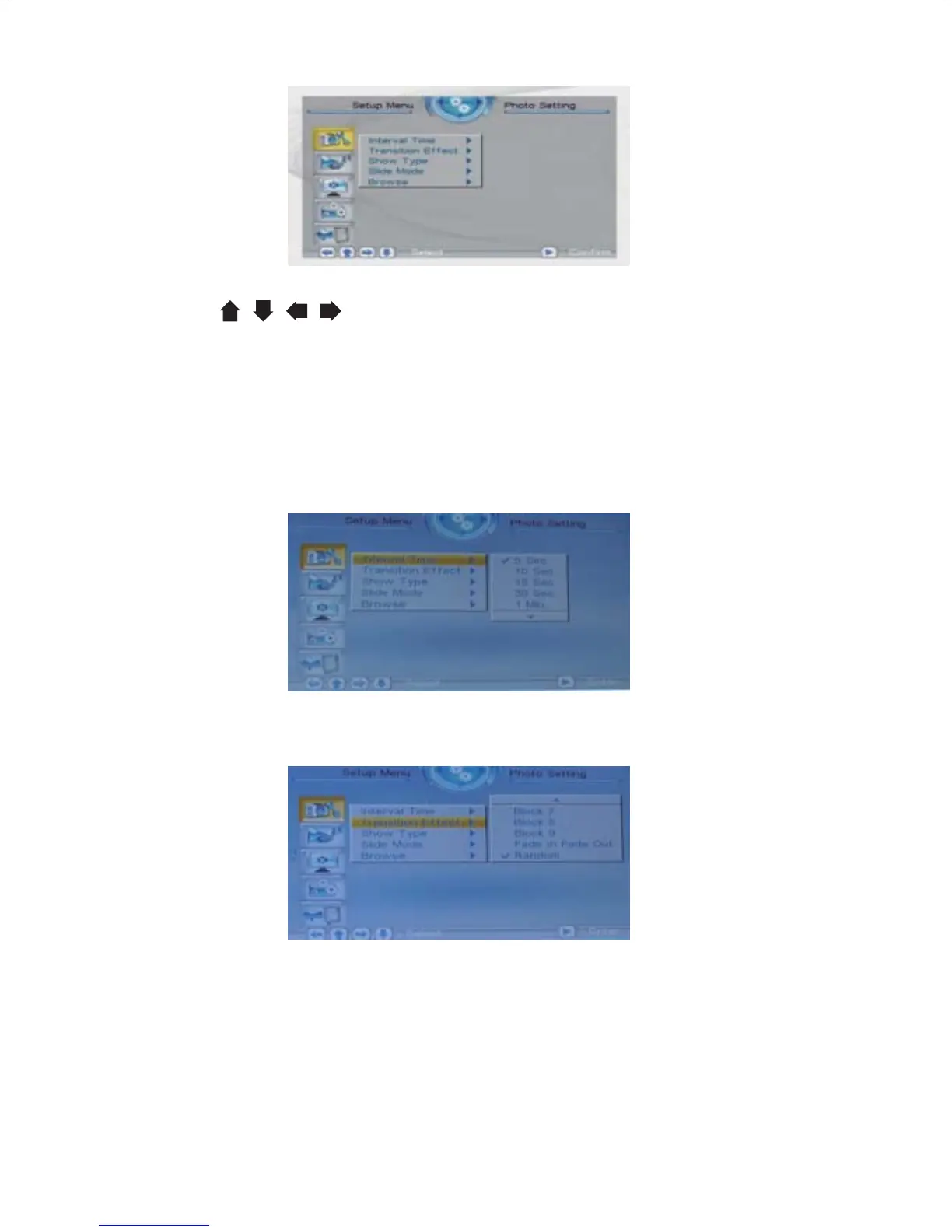
The adjustment screen for the SETUP menu is as follows:
Press the buttons to select the options, then press the
ENTER to confirm.
3.1 Photo Setting
3.1.1 Display Interval
This option can be used to set the length of time for display of each
image. There are six options: 5 seconds, 10 seconds, 15 seconds,
30 seconds, one minute, or three minutes.
3.1.2 Transition Effect
This option is used to set the transition effect as images change.
3.1.3 Show type
3.1.4 Slide mode
This option is used to set the display type.There are two available
option.Fit screen or full screen.
This option is used to set the slide mode.There are three available
option. Normal,Motion,date&time.



 To Next Page