6
3.1.5 Browse
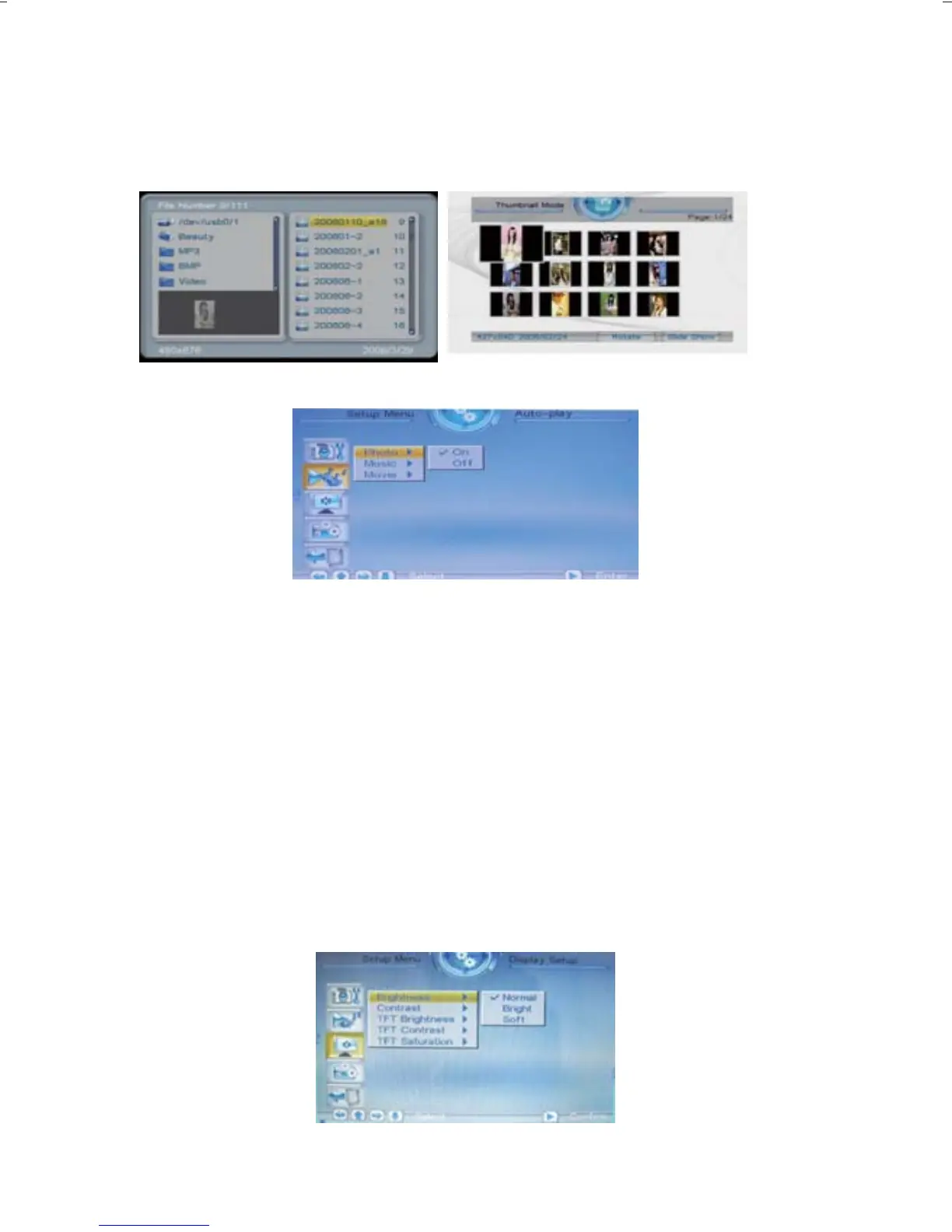
There are two kinds of “Photo” modes, one is the “File Manager”
mode, and the other is the “Thumbnail” mode.
3.2 Auto Play
“Photo” , this setting can be set to either “on” or “off”. This setting
decides whether or not to activate the automatic display function
after entering the “Photo” mode. If this option is set to “on”, then
the system will enter “slide show mode” after you enter “Photo”; if it
is set to "off", then the system will enter either File Manager mode
or Browser mode, according to the Browse settings set by the user.
"Music", "movie" is the same
3.3 Display Setup
3.3.1 Brightness
This option allows the user to set the brightness of the panel
screen. They can choose from three different options: normal,
bright, and soft.



 To Next Page