7
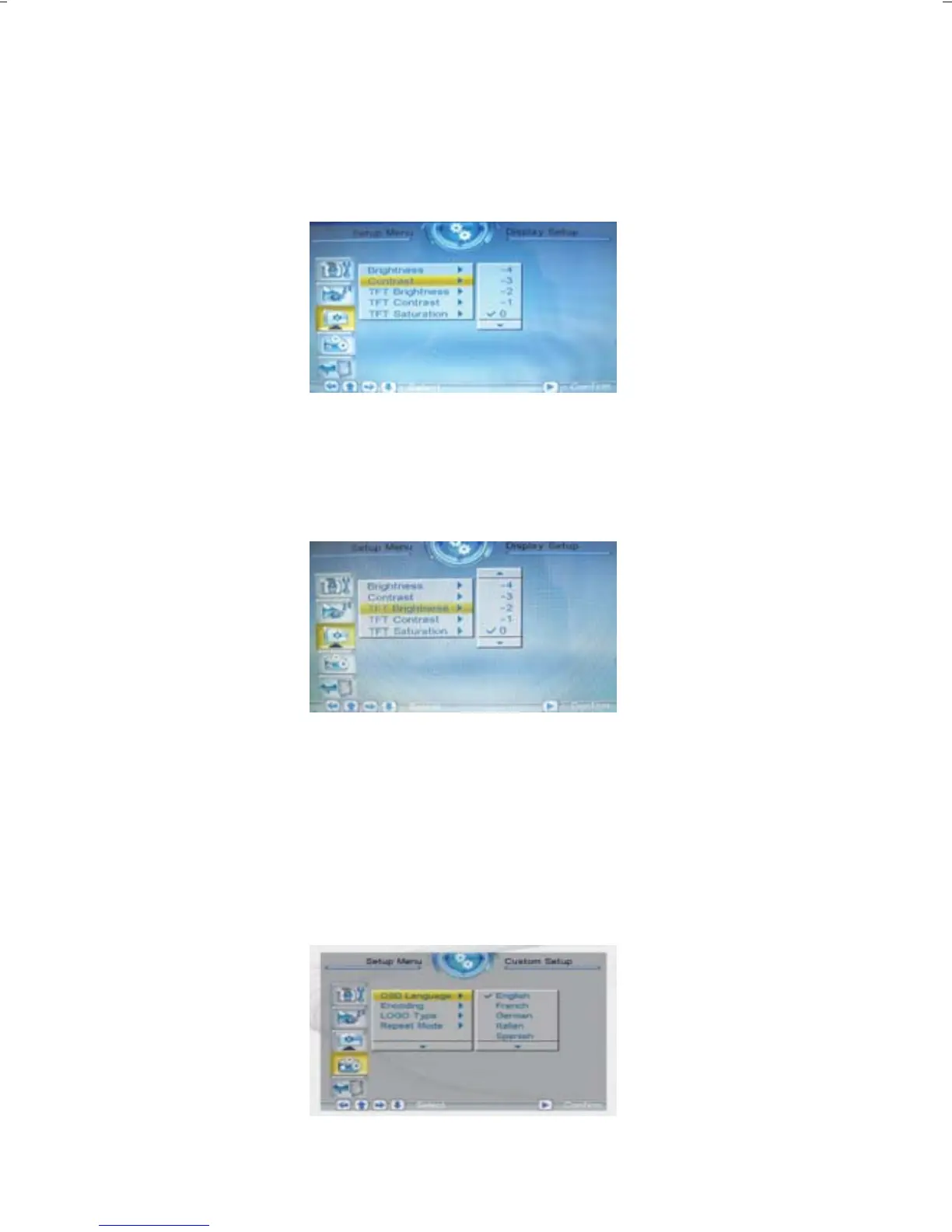
3.3.2 Contrast
This option can be used to set the screen contrast. The contrast is
divided into 9 different levels, from -4~0~4, with larger numbers
representing high contrast.
3.3.3 TFT Brightness
If an LCD display is used this option can be used to set the screen
brightness. The brightness is divided into 15 levels, from -7~0~7,
with the larger (positive) numbers representing high brightness.
TFT Contrast And TFT Saturation The same operation
3.4 Custom Setup
3.4.1 OSD Language
This option can be used to set the language for the OSD (on screen
display). The user can choose from: English, French, German, Italian,
Spanish, Portuguese, Dutch, Polish.



 To Next Page