4
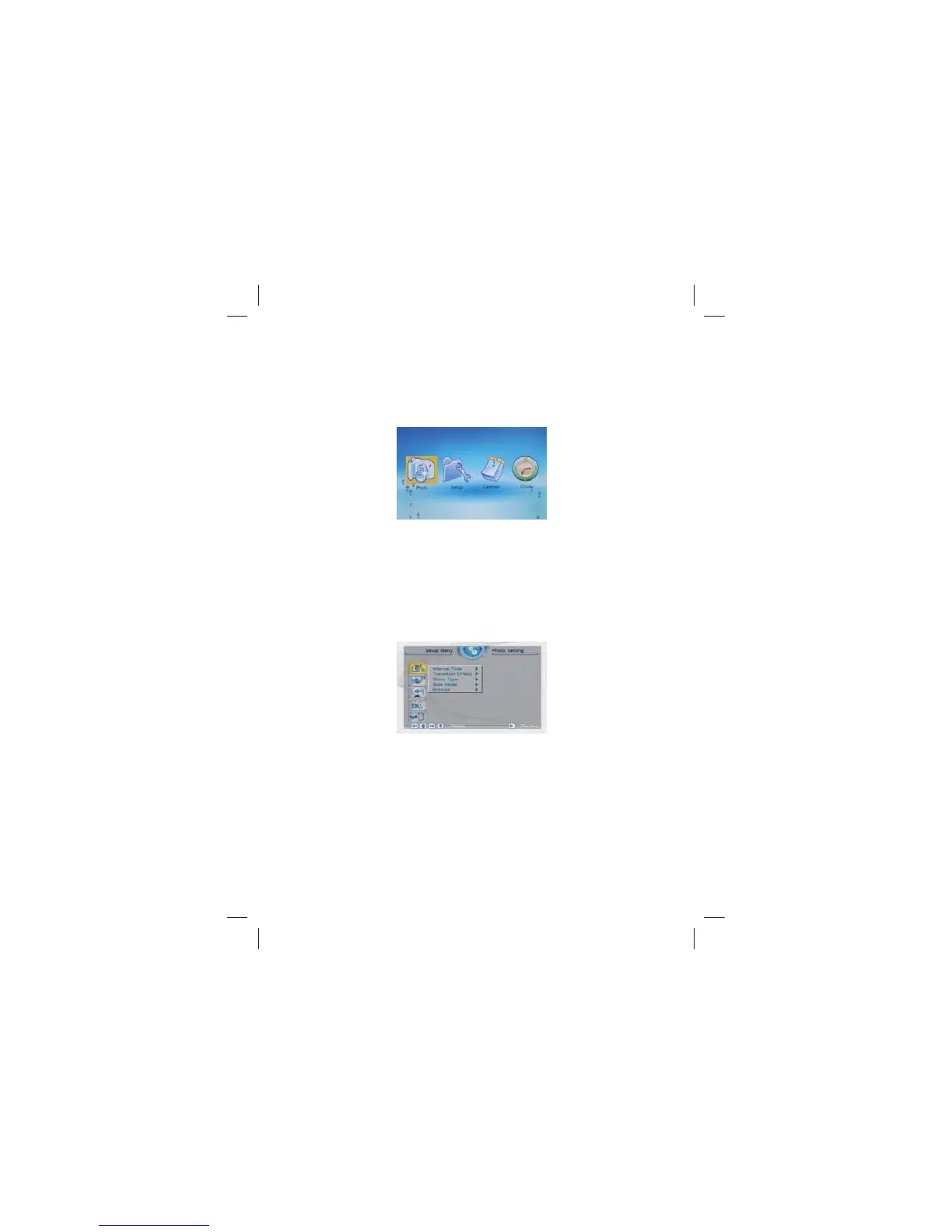
2.4 Function: main menu
under this mode:, have four function menu for selection: PHOTO、
SETUP CALENDAR、CLOCK select one function press ENTER to
operate the function
3. System Settings
Select【Setup】 from the main menu, press the ENTER button,
and you will enter the settings mode. In addition, under other
function modes, you can also enter the settings mode by pressing
the SETUP button. The following illustration shows the initial screen
in the settings mode, and in the following section we will introduce
the various functions of the settings mode.
The adjustment screen for the SETUP menu is as follows:
3.1 Photo Setting
3.1.1 Display Interval
This option can be used to set the length of time for display
of each image. There are six options: 5 seconds, 10 seconds,
15 seconds, 30 seconds, one minute, or three minutes.



 To Next Page