7
3.3 Custom Setup
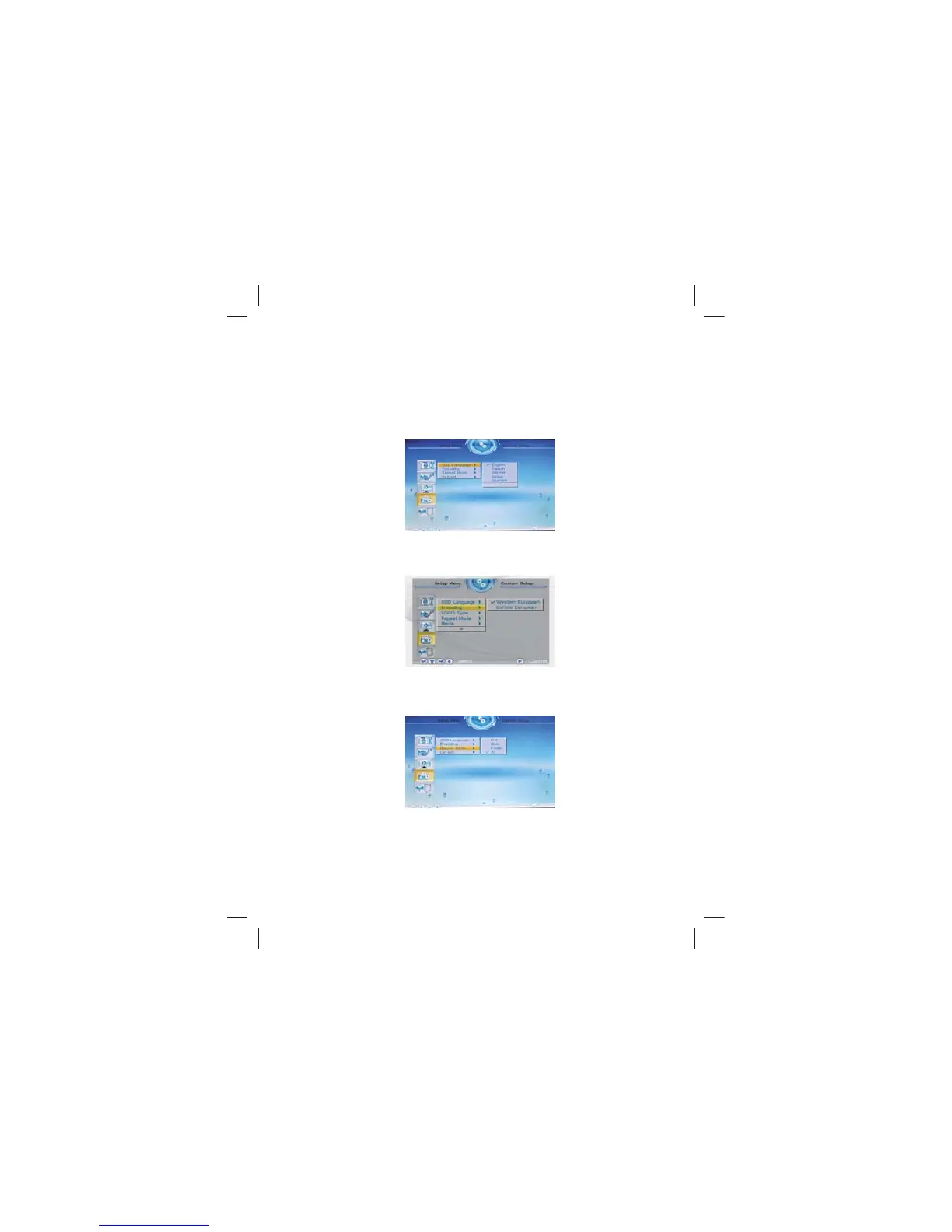
3.3.1 OSD Language
This option can be used to set the language for the OSD (on screen
display). The user can choose from: English, French, German,
Italian, Spanish, Portuguese, Dutch, and Polish.
3.3.2 Encoding
This option sets the character encoding of the filenames. There are
two types of encoding to choose from, Western European and
Central European.
3.3.3 Repeat mode
This option allows the user to set the play repeat mode. There are
four available options: Off, One, Folder, and All.
Off: turns off the repeat mode.
One: repeats the file that is currently playing.
Folder: repeats the folder that is currently playing.
All: repeatedly plays all of the files inside the storage medium.



 To Next Page