8
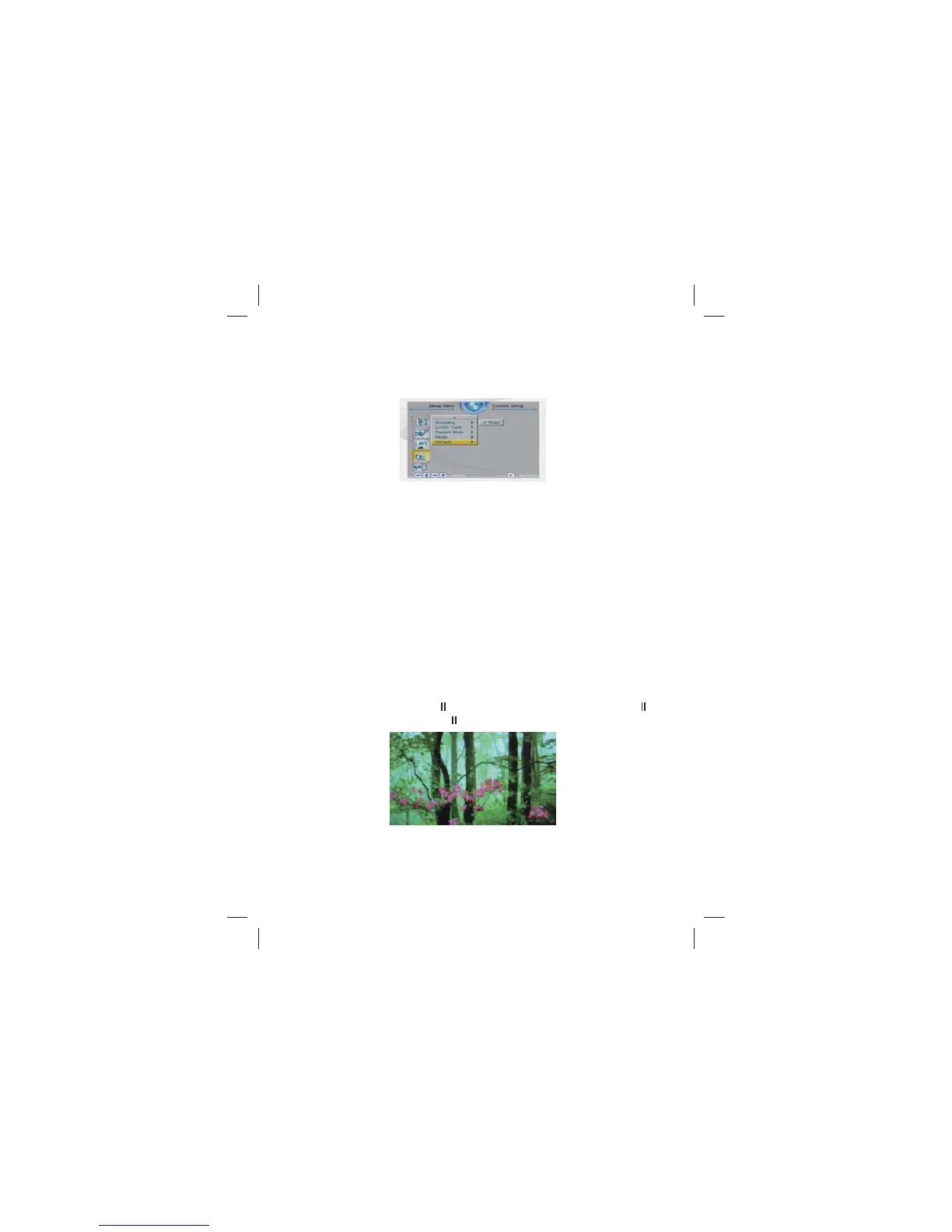
3.3.4 Default
By setting this option, all settings will be reset to the original system
settings.
3.4 Exit
Leaves the setup menu, and goes back to the main menu.
5.Calendar
After selecting 【Calendar】 from the main menu, press the ENTER
button, and you will enter the date setting mode.
4.Photo
From the main menu, select 【Photo】, press the ENTER key, the
system will automatically detect whether a storage device is conne-
cted (USB drives or memory cards). If there is no storage device is
connected, the system will return to the main menu.After storage
device is properly connected and read / write access is Enter key to
enter the auto-play mode when playing, press ENTER key can
pause the playing , press / key can browse the photo page by
SDJHSUHVVŸEXWWRQWRIOLSKRUL]RQWDOO\SKRWRV,3UHVVźEXWWRQVWR
IOLSYHUWLFDOO\SLFWXUHSUHVV=220EXWWRQVWR]RRPSKRWRVSUHVV
rotate button to rotate the photospress EXIT key can return to
photo browsing mode , press EXIT key again can return to the main
PHQXXQGHUEURZVHSKRWRPRGHSUHVVŸźNH\WRVHOHFW
the desired photo, press or ENTER to play the photo ,press
to pause the photo, press or ENTER key to play again.
Ÿ
Ÿ
Ÿ
Ÿ
Ÿ
Ÿ
Ÿ



 To Next Page