SYSTEM SETUP
Angle Mark On
Screen Saver On
- - General Setup Page - -
egaP puteS lareneG oT oG
Setting Menus:
◄, ►, ▲, ▼
In General Setup Page:
the multi-angle logo will appear on the screen.
or the image is paused for approximately five minutes.
On or Off. If set to On, when
multi-angles are available in the playing DVD,
Direction and ENTER/OK Buttons to set
the
Off. If set to On,
the
screen
saver will come on when the unit stops
it On or
5. If Last Memory is selected, using the Direction and ENTER/OK Buttons to set it On or Off. If set to On, the
unit will start playback from the position where the disc was stopped last time.
menu will appear.
to
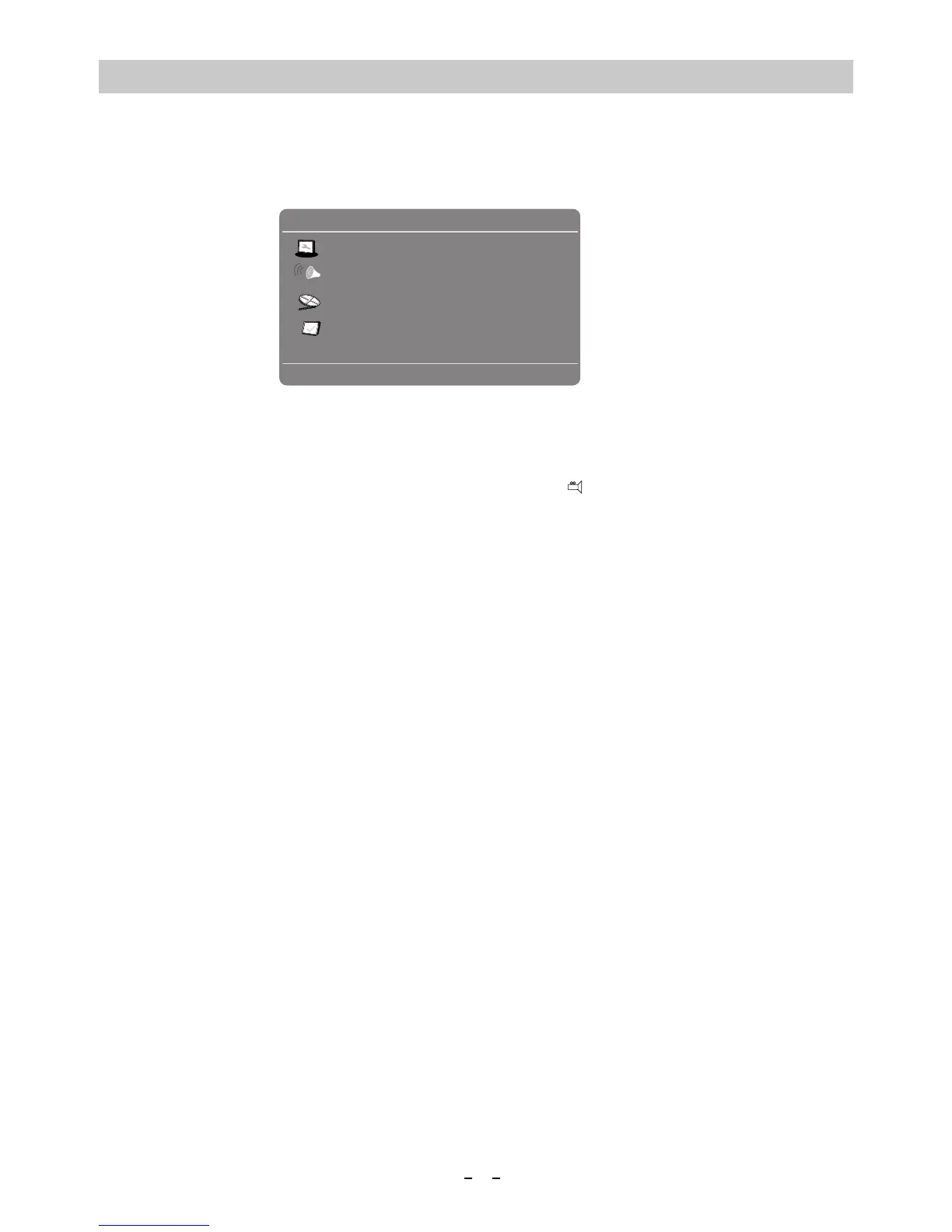
In stop playback mode, press the SETUP Button. The setting menu will appear on the screen as below. Using the
Direction Buttons to select and highlight the function you
2. If Angle Mark is selected, using the Direction and ENTER/OK Buttons to set it
(On Screen Display Language) is selected, using the3.
4. If Screen Saver is selected, using the Directionand Buttons to set
If Speaker Setup is selected, press the Buttons, the sub-setting
1.
If Downmix is selected, using the Direction and Buttons set it
~ If set to Lt/Rt, the rear left or rear right channels will plays on both Left and Right Speakers.
In Speak er Setup Page:
TV Shape
Wide
OSD Lang
Last Memory
Off
Eng
need to set or reset. Press the OK Button
1. If TV Shape is selected, using the Direction and ENTER/OK Buttons to set the aspect ratio to match the
playing movie.
If OSD Lang
OSD language as desired.
Lt/Rt; Stereo.
~ If set to Stereo, the rear left channel will play on left Left Speaker; the rear right channel will play on
Right Speaker.
16
on the Remote Control or the ENTER Button on the unit to enter or confirm the selection. After setting, press the
SETUP Button to save the settings and exit.
ENTER/OK
ENTER/OK
ENTER/OK
to





 To Next Page