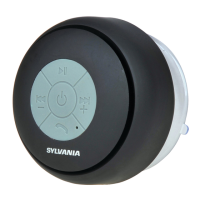
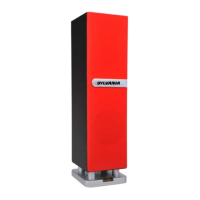
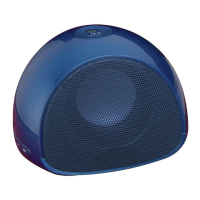
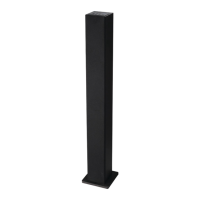
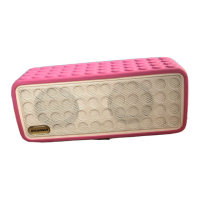
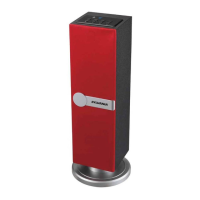
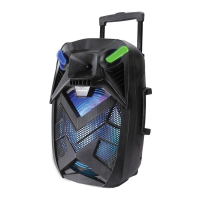
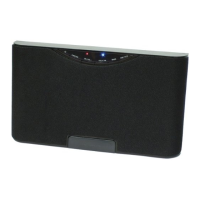
1、◎: The indicator lamp of the battery
2、DC 5V :Charge jack
3、ON OFF:Power on/off
4、AUX IN JACK:3.5mm audio input
LED INDICATOR LAMPS:
Blue lamp on the top:When a Bluetooth Connection is being
established, the Blue LED will flash. After connection, the Blue LED
flashes once every three seconds.
Blue lamp on the top:The blue indicator lamp will keep ON during
the Aux in Mode.
Red lamp on the back: The red LED stays lit while charging the 3.7 V
lithium battery. The red LED turns off once the battery is fully charged.
Startup:
Switch the “ON/OFF” switch at the back of the machine “ON “ to
power the machine.
1) During the first use, the blue LED lamp will flicker to access to
PAIR mode.
2) Following initial pairing the Blue LED will flash once every second
to access SEARCH mode. Subsequent Bluetooth connection will
then be made automatically.
Bluetooth Pair Mode
1.Press “ ” for more than 3 seconds, the blue LED will flash.
2.Activate the Bluetooth function of your Bluetooth device. So that the
device starts to search for the SP233.
3.Select “SP233” when it appears in the Bluetooth search.
4.In case of some kinds of cell phones, users have to key in the
identification code “0000”and press ENTER key to match the
product and mobile phone and after success, the blue LED will flash
slowly.
Bluetooth Connection Memory List:
When the paired equipment number exceeds the maximum capacity
& 4 units, the product will automatically clear the first equipment in its
memory.
In Bluetooth music play mode, users can:
1. Shortly press“ ” or “ ”key or press for a longer time to
adjust the volume.
2. Shortly press “ ” key to play/pause the music play.
4



 To Next Page