3
Installation and Maintenance
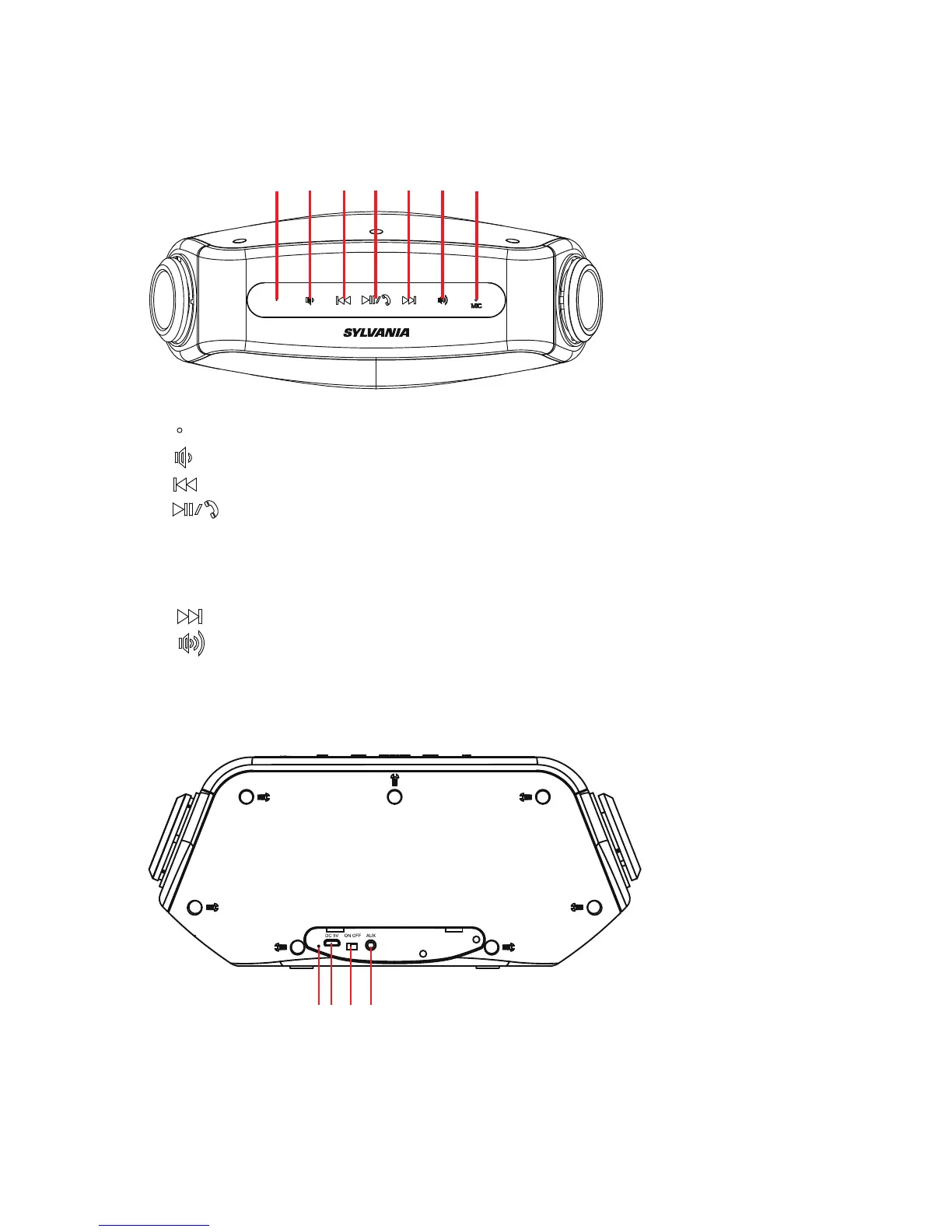
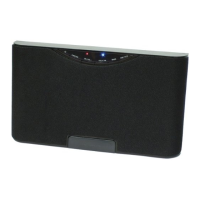
Top View
1. : Blue LED indicator lamp
2. : Volume Down button
3. :Short press in Bluetooth mode to select the previous music.
4、 :Press the key for more than 3 seconds in search mode for
pair status; Short press for play and pause in the music
mode; Short press to pick up and cancel the phone in the
hand free mode.
5、 :Short press in Bluetooth mode to select the next music
6、 : Volume Up button
7、MIC
Back View
1 2 3 4 5 6 7
21 3 4



 To Next Page