EasyManua.ls Logo

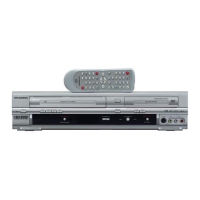
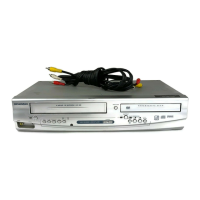
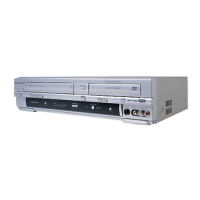
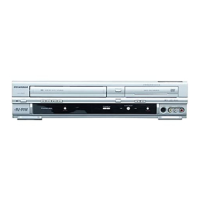
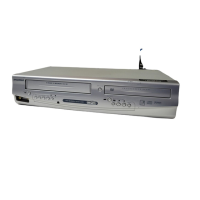
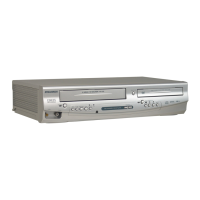
Sylvania SRD3900 - User Manual

Sylvania SRD3900
44 pages
Print Icon
To Next Page IconTo Next Page
Loading...
OWNER’S
MANUAL
If you need additional assistance for set-up or operating
after reading owner’s manual, please call
TOLL FREE : 1
-
800
-
968-3429.
Please read before using this equipment.
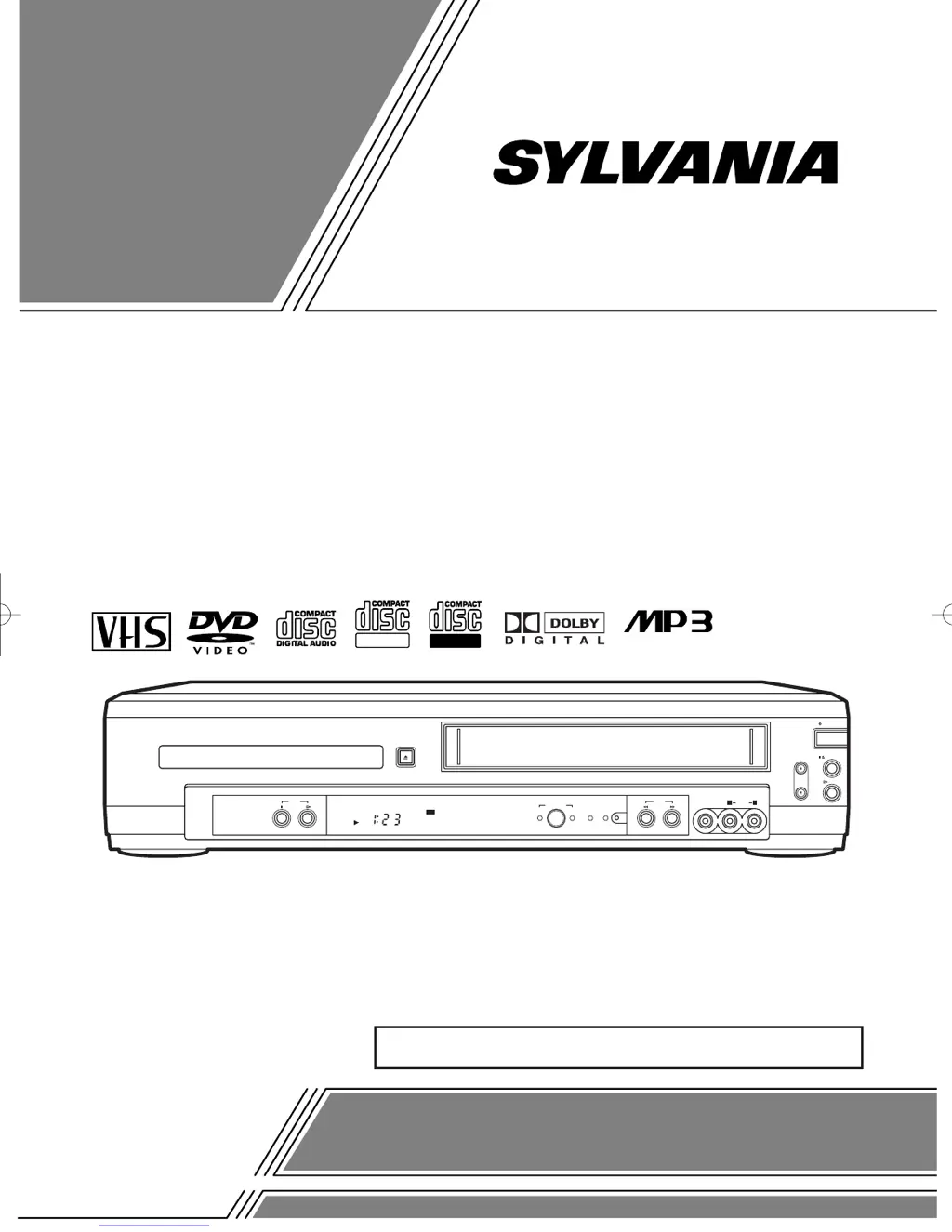
DVD
POWER
CHANNEL
PLAY
STOP/EJECT
VIDEO
VCR
AUDIO
REW
OPEN/CLOSE
F.FWDSTOP PLAY
RECVCRDVD
TIMER REC
OUTPUT
DVD
L R
ReWritable
Recordable
INSTRUCCIONES EN ESPAÑOL INCLUIDAS.
DVD PLAYER with VIDEO CASSETTE RECORDER
SRD3900
H9405UD2î≈.qx33 03.6.30 5:47 PM Page 1

Table of Contents

Questions and Answers

  • G
    Gwendolyn BeckerAug 21, 2025
    What to do if Sylvania SRD3900 remote is not working?
    • Q
      quinnhenryAug 21, 2025
      If your Sylvania DVD VCR Combo isn't responding to the remote, try these steps: * Ensure the power plug is connected to an AC outlet. * Check the batteries in the remote control. * Aim the remote directly at the sensor, removing any obstacles. * Stay within 23 feet of the player. * Select the correct mode (DVD or VCR) on the remote. * Check if a cassette tape is in the VCR.
  • R
    rfreemanSep 3, 2025
    Why Sylvania DVD VCR Combo cannot go into record mode?
    • B
      Brian GoodmanSep 3, 2025
      If you cannot go into Record mode on your Sylvania DVD VCR Combo, make sure the tape has a safety tab. If needed, cover the hole with cellophane tape. Put the player in VCR mode by pressing VCR on the remote control so that the green VCR OUTPUT light is lit.
  • A
    angela95Sep 1, 2025
    What to do if I cannot remove the tape from Sylvania DVD VCR Combo?
    • M
      melissayoungSep 1, 2025
      If you can't remove the tape from your Sylvania DVD VCR Combo, check if the player is in VCR mode. If not, press VCR on the remote to switch the mode.
  • M
    Michael CollierAug 31, 2025
    Why is timer recording not working on my Sylvania SRD3900 DVD VCR Combo?
    • L
      Linda HaynesAug 31, 2025
      If timer recording is not working on your Sylvania DVD VCR Combo, ensure the timer recording is set correctly, the power is off, and the VCR clock is set correctly.
  • C
    Chloe HaleAug 29, 2025
    How to fix Sylvania SRD3900 DVD VCR Combo when TV programs cannot be seen?
    • L
      leenicoleAug 29, 2025
      If you can't see TV programs normally on your Sylvania DVD VCR Combo, re-check the ANT. IN and ANT. OUT connections. Press VCR/TV. Alternatively, press VCR on the remote to enter VCR mode, ensure the green VCR OUTPUT light is lit, and then set it to the TV position by pressing VCR/TV.
  • T
    Terri TranAug 27, 2025
    Why is there no sound on my Sylvania SRD3900?
    • M
      Matthew Barton DVMAug 27, 2025
      If you're not getting any sound from your Sylvania DVD VCR Combo, ensure the audio cables are firmly connected. Also, make sure the power of the audio component is on, the audio output settings are correct, and the input settings on the audio component are correct.
  • D
    Darlene MasseyAug 27, 2025
    How to troubleshoot no picture on Sylvania SRD3900?
    • R
      Rodney MuellerAug 27, 2025
      If you're unable to get a picture on your Sylvania DVD VCR Combo, ensure the video cables are firmly connected. Also, insert a video disc that is supported by the player. Press the DVD button on the remote control to ensure the DVD output light is lit, and then try other DVD features.
  • A
    Andrew BradleyAug 25, 2025
    How to fix Sylvania SRD3900 with no power?
    • R
      Richard RogersAug 25, 2025
      If your Sylvania DVD VCR Combo has no power, ensure the power plug is properly connected to an AC outlet and that the power is turned on.
  • L
    Lisa SmithAug 23, 2025
    Why Sylvania SRD3900 DVD VCR Combo won't play disc?
    • J
      James ScottAug 23, 2025
      If your Sylvania DVD VCR Combo is not playing a disc, make sure that you have inserted a disc, the disc is clean, and that the disc is placed correctly with the label side up. Also, you may need to cancel the parental lock or change the control level.

Summary

Safety and Regulatory Information

Warnings and Cautions

Covers general warnings, cautions, laser safety, and electrical shock/fire hazards.

Important Safeguards

General Safety Instructions

Provides a comprehensive list of safety and operating instructions.

Features and Precautions

Product Features

Details the features available in DVD and VCR modes.

Installation and Safety Precautions

Guidance on proper installation location and handling precautions.

VCR;DVD Mode Switching

Selecting the Operating Mode

Instructions on how to switch between VCR and DVD modes.

Hookups

Connecting to TVs

Guides for connecting the unit to different types of TVs.

System Setup

Automatic Channel Setup

Guides for automatically scanning and setting TV channels.

Playback Functions

Normal and Search Playback

Covers basic playback, still/slow modes, and search functions.

Recording Functions

Recording Modes

Details OTR, Normal, and Timer recording procedures.

Timer Recording Details

Setting and Managing Timer Recordings

Instructions for setting, checking, and cancelling timer recordings.

Playing a Disc

Basic Playback and Pause

Covers initial setup, basic playback, and pausing discs.

On-Screen Display and Parental Control

Parental Control Setup

Setting up parental control levels and passwords.

Troubleshooting Guide

Common Problems and Solutions

Lists common operational issues and their corrective actions.

Maintenance

Servicing and Cleaning

Guidance on servicing, cabinet, and disc cleaning.

Specifications

Sylvania SRD3900 Specifications

General IconGeneral
BrandSylvania
ModelSRD3900
CategoryDVD VCR Combo
LanguageEnglish

Related product manuals