–
9
–
EN
Setup
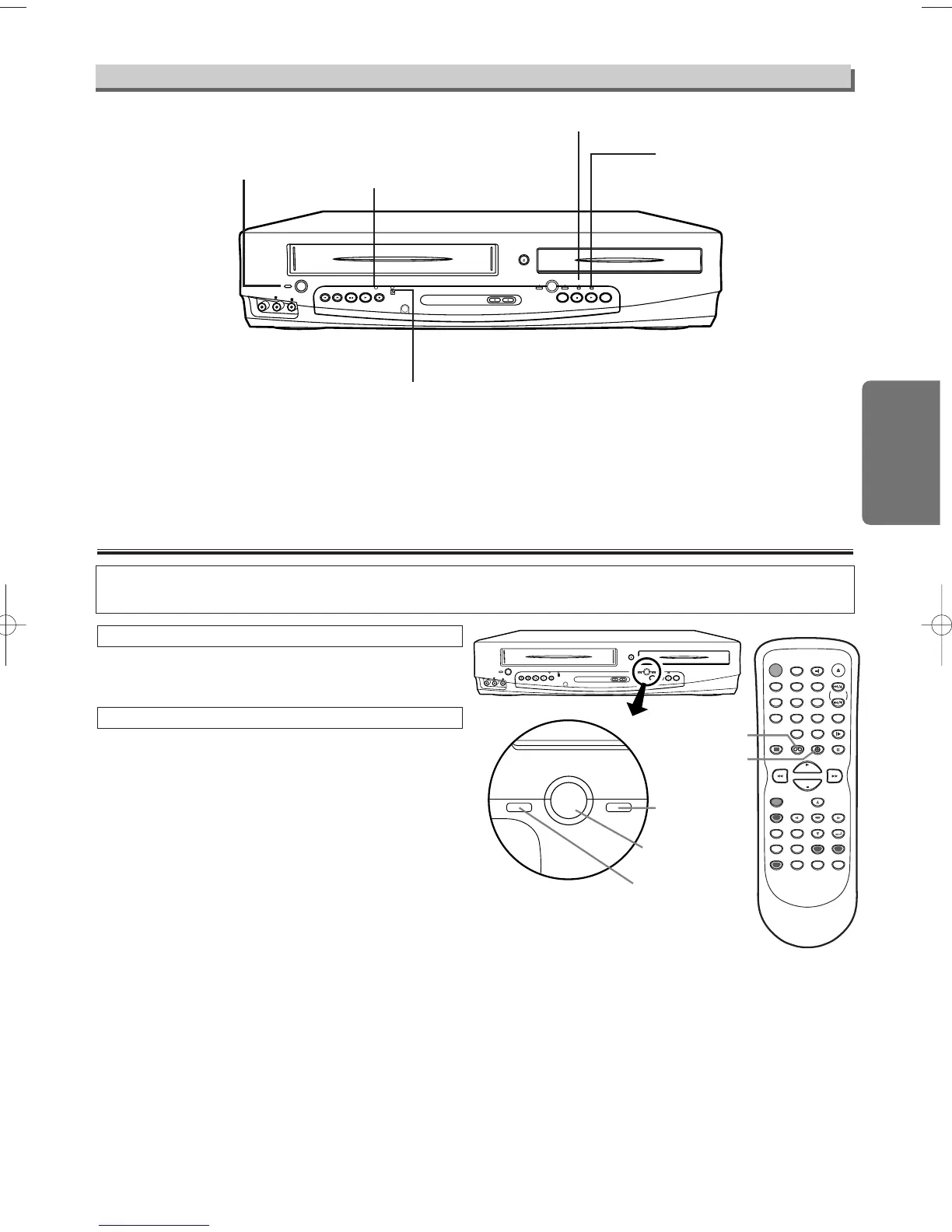
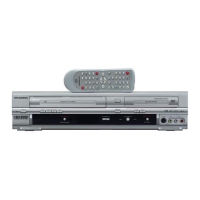
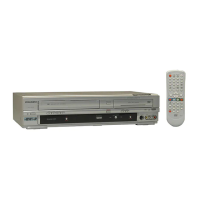
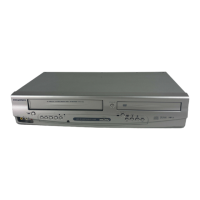
Because this product is a combination of a VCR and a DVD player, you must select which com-
ponent you wish to operate with the OUTPUT button.
Press the VCR button on the remote control.
(Verify that the VCR OUTPUT light is lit.)
VCR MODE
Note
• Pressing only the OUTPUT button on the front
panel DOES NOT switch the mode of the
remote control. You MUST select the correct
mode on the remote control.
• The DVD/VCR Audio Out and Video out jacks
will output either VCR or DVD signals, depend-
ing on which mode you have selected. The
DVD Component Video, S-Video Out, Audio
Out, and Digital Audio Out jacks will only output
DVD player signals, no matter which mode you
have selected.
Press
the DVD button on the remote control.
(Verify that the DVD OUTPUT light is lit.)
DVD MODE
VCR/DVD Selection
Front Panel Display
F. FWDREW
Illuminates when
the unit is on.
Lights up when the inserted
disc is being played back.
Flashes when an unaccept-
able disc is installed.
Lights up when the timer recording
or an OTR recording has been set.
Lights up during a recording.
Flashes when a recording is paused.
Lights up when the disc is inserted.


 To Next Page