10
SYNETA7
Sending and Receiving Email
After email setup is complete, you can access
your current email account Inbox.
1. Click Email on the Home Screen Application Panel to access your Inbox.
2. Click an email message in your Inbox to read the message.
3. Reply to or delete the message by clicking the buttons at the bottom
of the screen.
4. To compose a new message, click the Settings button while in the Inbox.
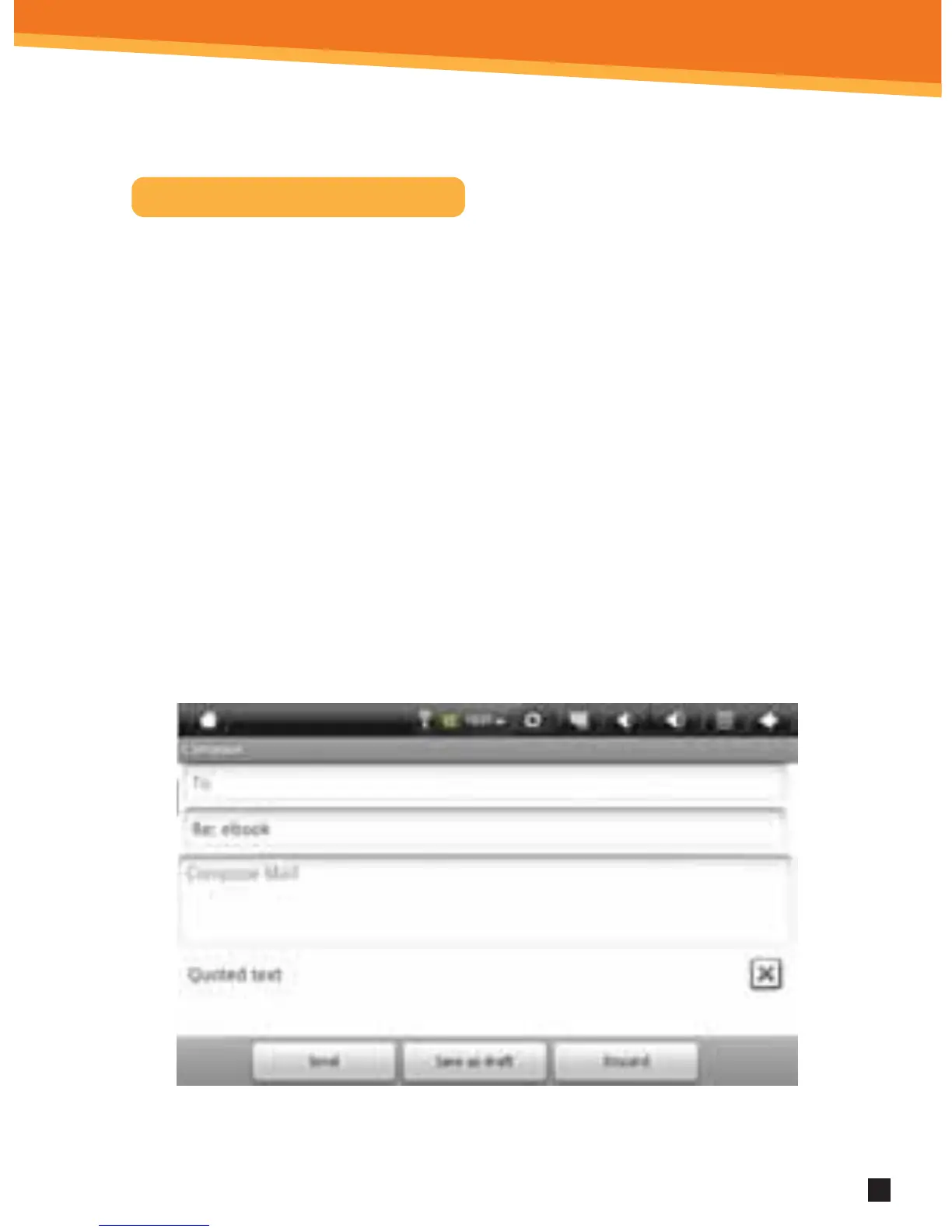
5. Click in any of the message entry elds to display the keypad.
6. Click Send to send the message.



 To Next Page