4
Getting Started
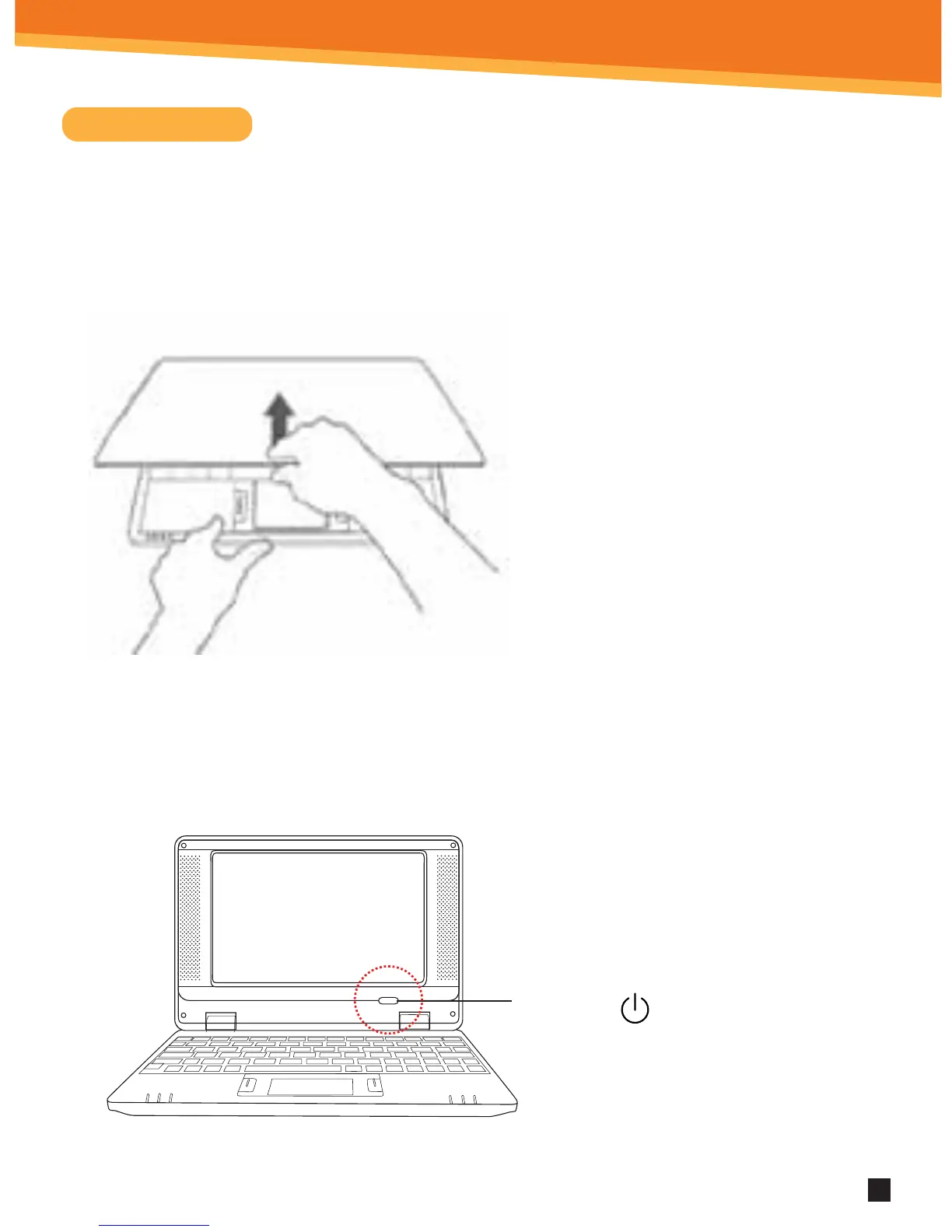
• Press the power button
to start up the Android
Netbook and wait for it
to load the desktop.
• You can use the device while the
battery is charging. To turn the
power o, hold the power button
of your device for about ve
seconds. To Power O .
Startup
Turn on the device by pressing the Power Button.STEP 2:
Open the screen of your Android Netbook.
STEP 1:
SYNETA7
Power Key
ON/OFF Button



 To Next Page