Need help?
Do you have a question about the Sylvania SYNETA7 and is the answer not in the manual?
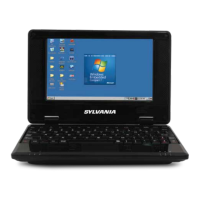
Identifies and describes the key external components of the Android Netbook, including screen, buttons, speakers, keyboard, touch pad, and status indicators.
Details the components and ports located on the bottom of the netbook, including the battery lock, card slot, headphone, and microphone jacks.
Explains the ports and interfaces found on the side and back of the netbook, including USB and network connections, and shortcut keys.
Guides the user through the initial power-on process, including opening the screen and pressing the power button to load the desktop.
 General
| RAM | 1 GB |
|---|---|
| Processor Speed | 1.3 GHz |
| Display Resolution | 1024 x 600 pixels |
| Battery Life | Up to 6 hours |
| Processor | Quad-Core |
| Ports | Micro USB, Headphone Jack |
| Wireless Connectivity | Wi-Fi |


 To Next Page