8
SYNETA7
When connecting to the internet, please make sure it is a network you
can trust such as your own home network, that of a friend or a public
Wi-Fi hotspot such as library, restaurant, hotel or school campus. It is
unsafe to connect to internet or Wi-Fi sources that you do not own or
cannot be trusted. If you do not have an Internet connection in your
home you may have to contact your local ISP to purchase service.
INTERNET
Wi-Fi Setup
WiFi ON
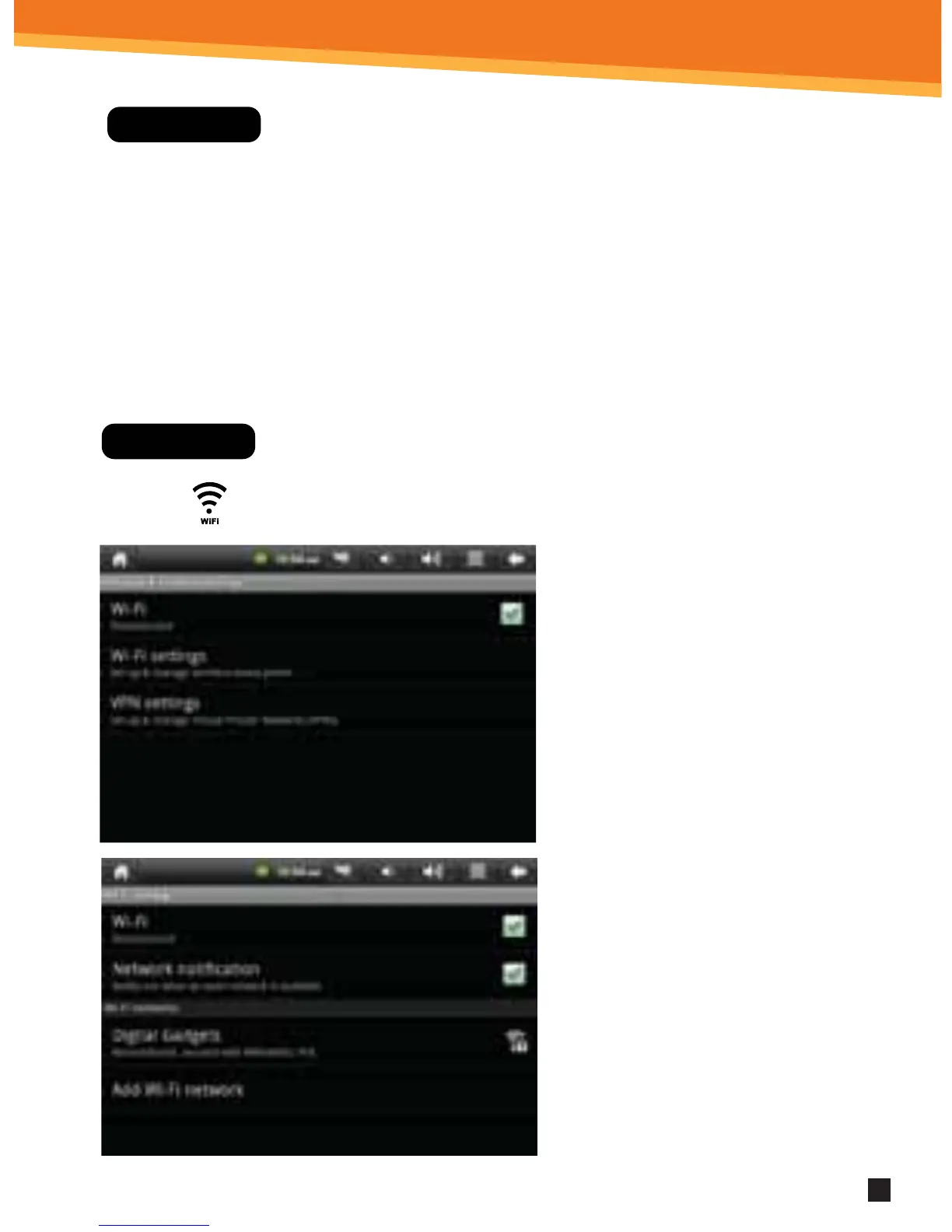
1. To set up Wi-Fi, click Wi- Fi
settings on the Application
Home Screen Panel. Click or
make sure the “Network
notication setting” is active
and check.
2. Click Turn on Wi-Fi. The device
will automatically scan and
list local Wi-Fi networks
that it nds. A lock image
indicates a secure network
that requires a password
for access.
You must be connecting to
your netbook to your own
home or oce Wi-Fi Access
Point (AP) or a trusted free
unsecured Wi-Fi hotspot



 To Next Page