7
SYNETA7
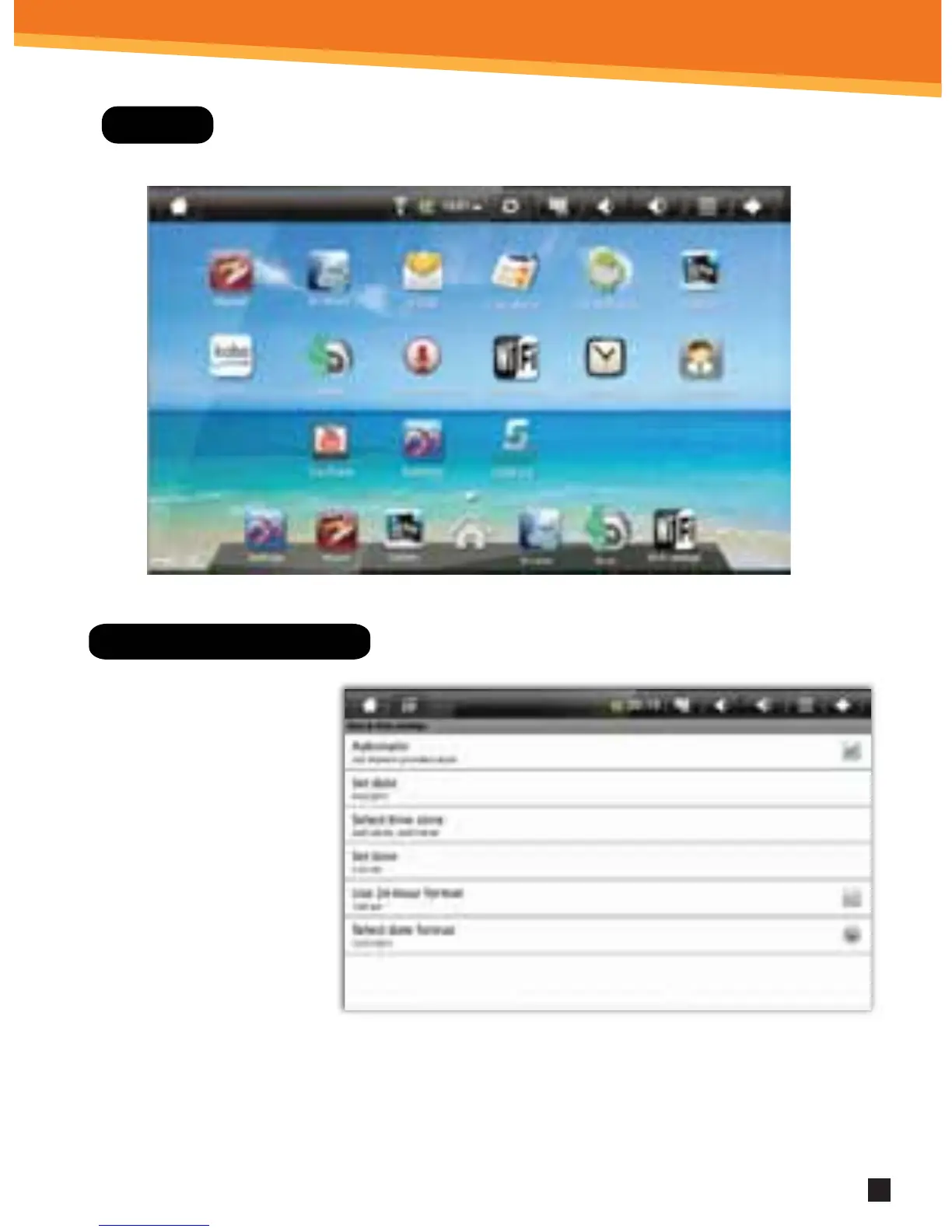
Display
Setting Date And Time
1. Click Settings from the
Home Screen to access
the device settings.
2. By default, your device
should be set to
“Automatic” that will
update your time and
date via the internet.
3. Click Time zone and
select your region
and GMT oset.
4. Change the way in which the date and time are displayed by clicking the Use
24-hour format and Select date format options.
NOTE: When Automatic option to deactivated, you can manually
set the date and time.



 To Next Page