14
SYNETA7
To Update Software or Check for Updates:
1. Click Settings Application
2. Scroll to System Update and select
3. Click System Update from the Application screen
4. Click OK to continue
Surng The Web
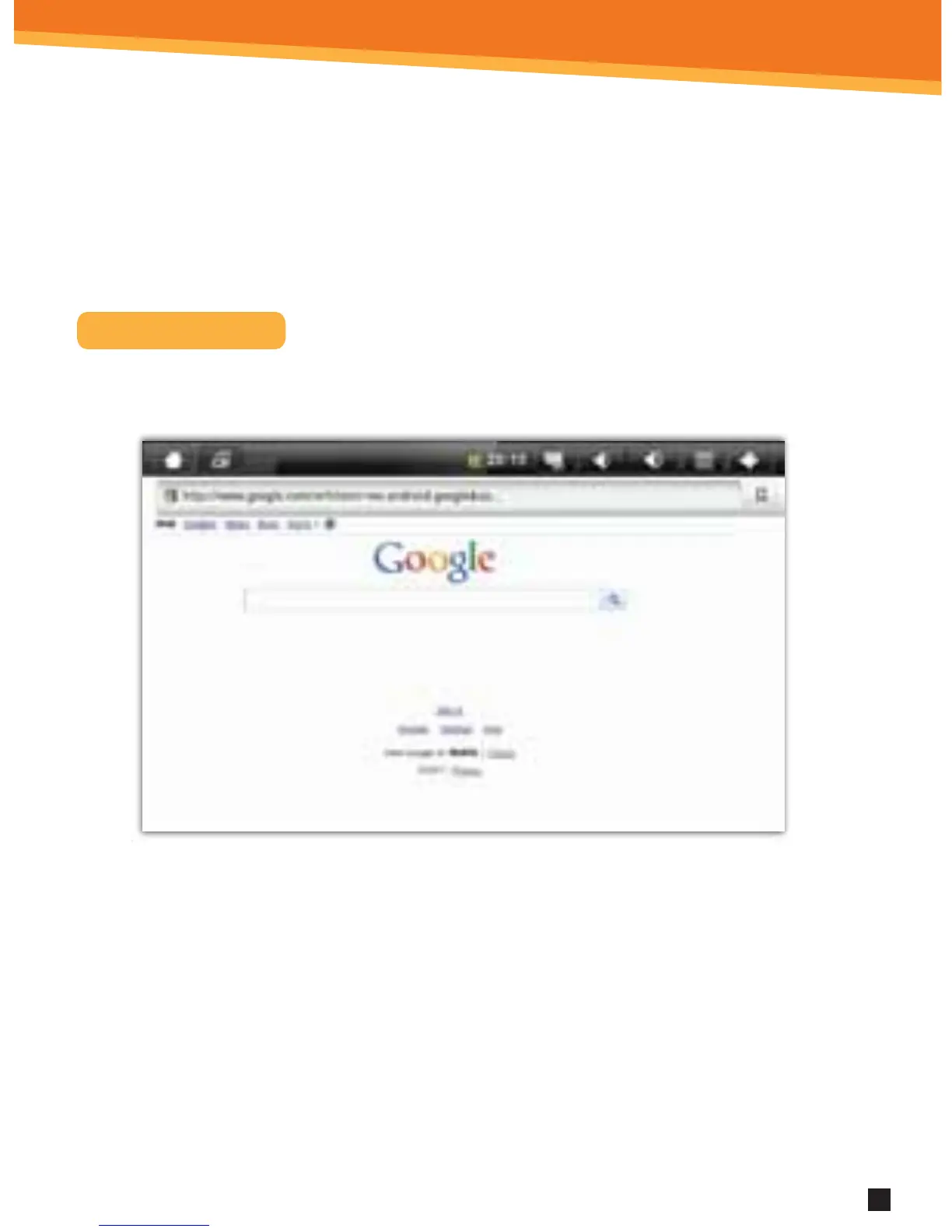
Use the Browser application to surf the web easily and securely.
1. Select the Browser from the Application Quick Launch Bar to launch the
Internet browser.
2. Click in the top entry eld to enter a web address (e.g. google.com) or click in the
search box to search the Internet. The keypad will appear so that you can type
the web address or search term.
3. Click Done when nished.



 To Next Page