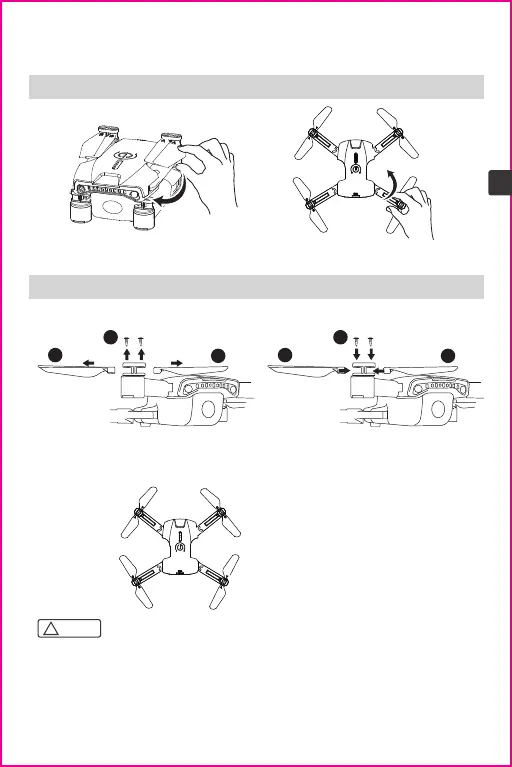
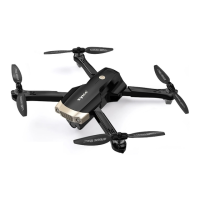
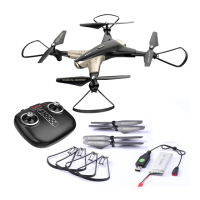
3.1 Folding the Drone
3.2 Propeller Installation
3.0 Product Assembly
Note:
!
1. Please make sure that the propellers are installed in the correct position. If the
installation is incorrect, the drone will not be able to fly normally.
2. Since the propellers are thin, please be careful when installing them in case of
accidental scratches.
3. Please use the propellers provided by our manufacturer.
4. The propellers are consumables, if necessary, please purchase additional accessories.
1. Unfold the arms in the direction
of the arrow
Remove the screws and the holder in the
direction of the arrow, and then detach
the propellers.
Place the propellers on the arm of the
drone in the direction of the arrow,
place the holder then tighten the screws.
2. Fold the arms in the direction of the arrow
Detaching the propellers
Installing the propellers
6
EN
3
2
1
1
3
2
Referring to the figure below, install
the label "A" propeller and label "B"
propeller in the corresponding
positions, and use a screwdriver to
tighten the screws.
A
A
B
B


 To Next Page