411 ,
f
42
.
.
Figure (2)
Figure (3)
Figure (4)
Figure (5)
Figure (1)
Installation/disassembly steps
for high-definition camera
Installation steps for high-definition camera:
Figure (1)
Figure (2)
Figure (3)
Figure (4)
Figure (5)
1.
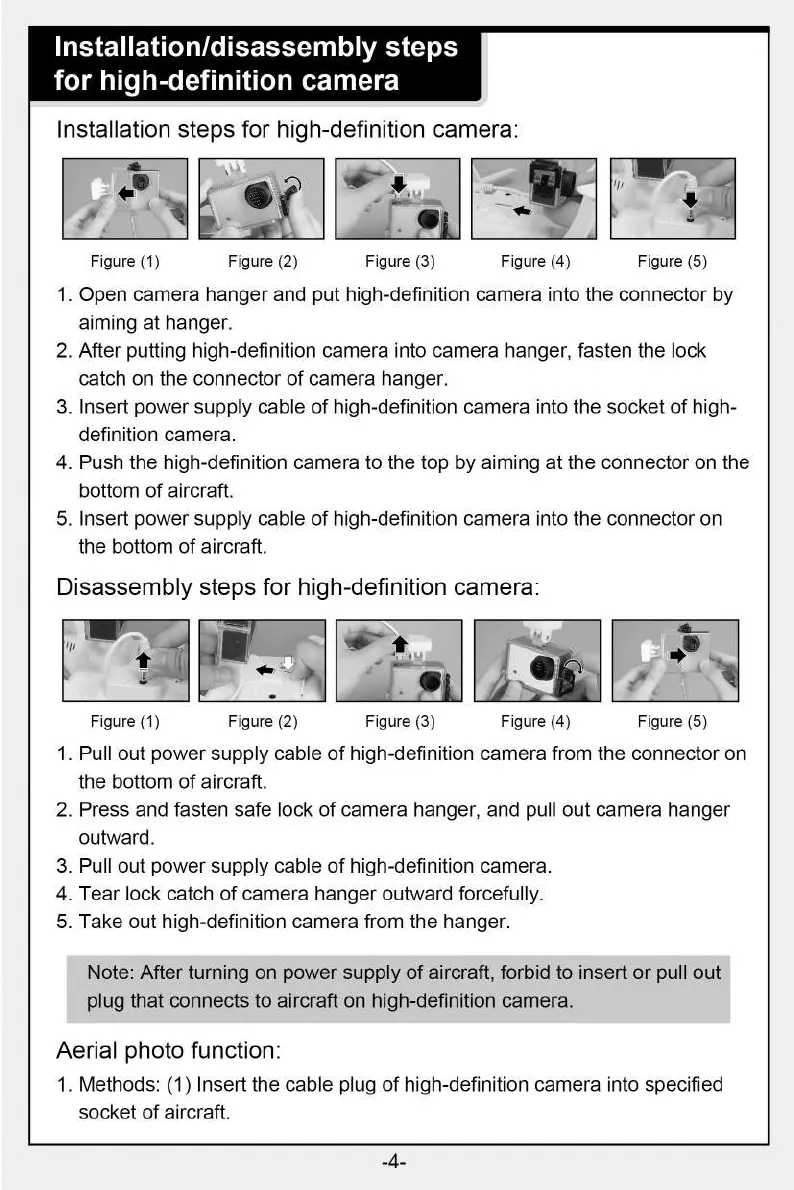
Open camera hanger and put high-definition camera into the connector by
aiming at hanger.
2.
After putting high-definition camera into camera hanger, fasten the lock
catch on the connector of camera hanger.
3.
Insert power supply cable of high-definition camera into the socket of high-
definition camera.
4.
Push the high-definition camera to the top by aiming at the connector on the
bottom of aircraft.
5.
Insert power supply cable of high-definition camera into the connector on
the bottom of aircraft.
Disassembly steps for high-definition camera:
1.
Pull out power supply cable of high-definition camera from the connector on
the bottom of aircraft.
2.
Press and fasten safe lock of camera hanger, and pull out camera hanger
outward.
3.
Pull out power supply cable of high-definition camera.
4.
Tear lock catch of camera hanger outward forcefully.
5.
Take out high-definition camera from the hanger.
Note: After turning on power supply of aircraft, forbid to insert or pull out
plug that connects to aircraft on high-definition camera.
Aerial photo function:
1. Methods: (1) Insert the cable plug of high-definition camera into specified
socket of aircraft.
-4-


 To Next Page