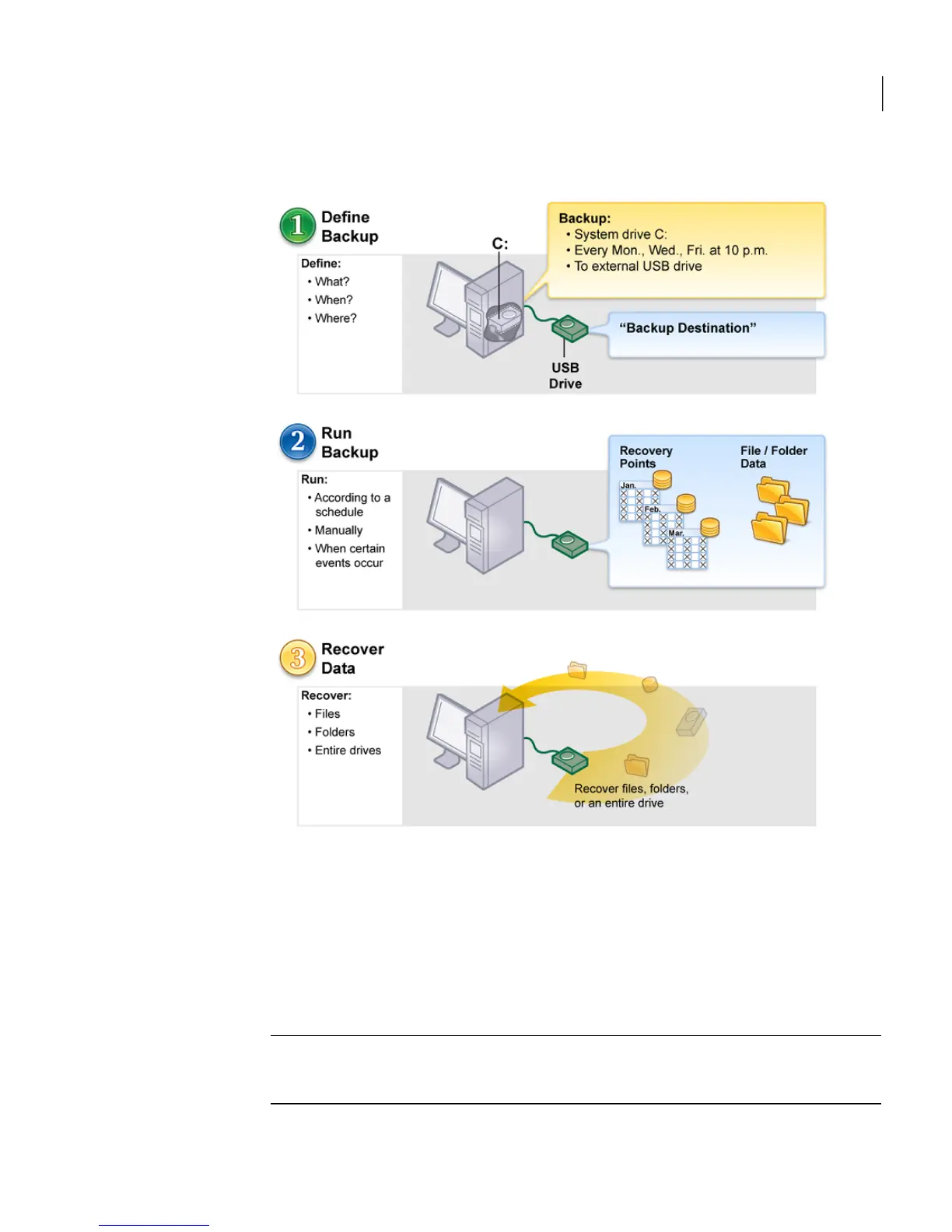
Figure 4-1
Using Norton Ghost
Starting Norton Ghost
Norton Ghost is installed in the Windows Program Files folder by default. During
installation, a program icon is installed in the Windows system tray from which
you can open Norton Ghost. You can also open Norton Ghost from the Windows
Start menu.
Note: To use the full version of Norton Ghost, you must activate the software.
See “Activating Norton Ghost later” on page 25.
33Getting Started
Starting Norton Ghost




 To Next Page