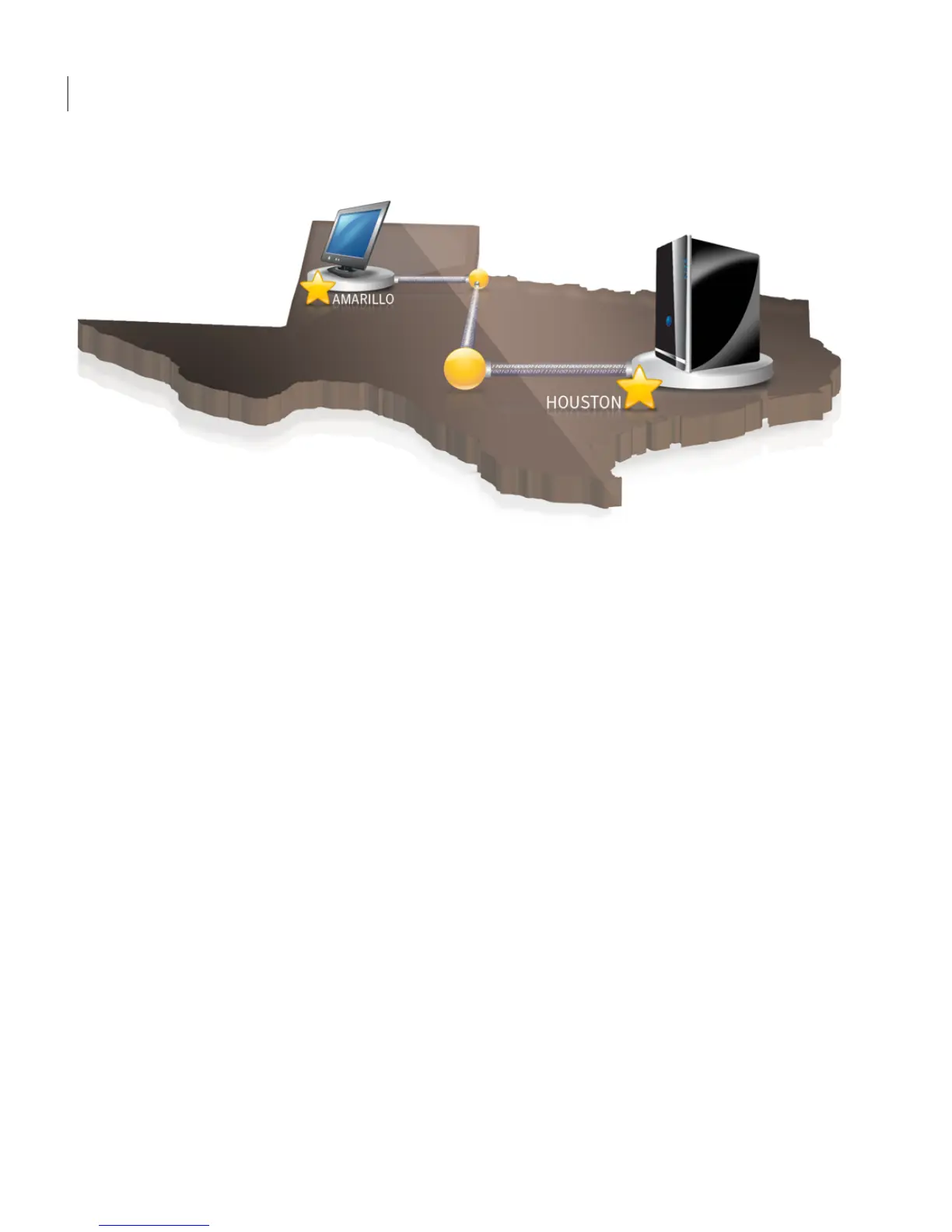
Using an FTP server as your Offsite Copy destination
Using an FTP server as your Offsite Copy destination is similar to using a server.
You must provide a valid FTP path to the FTP server.
You must also provide the correct FTP connection information to Norton Ghost
in order for this method to work correctly. When Offsite Copy is configured
correctly, it copies recovery points to the directory that you specified on the FTP
server. If the server becomes unavailable for a period of time, Offsite Copy copies
all recovery points created since the last connection. If there is no room to hold
all of the recovery points available, Offsite Copy removes the oldest recovery
points from the FTP server, making room for the newest recovery points.
See “Configuring FTP settings for use with Offsite Copy” on page 42.
Backing up entire drives
How Offsite Copy works
76




 To Next Page