Installing Norton Internet Security
Install Norton Internet Security
40
12 Select an installation type. Your options are:
13 Click Browse to select a folder into which you want to
install Norton Internet Security, if it is other than the
default location.
14 Click Next.
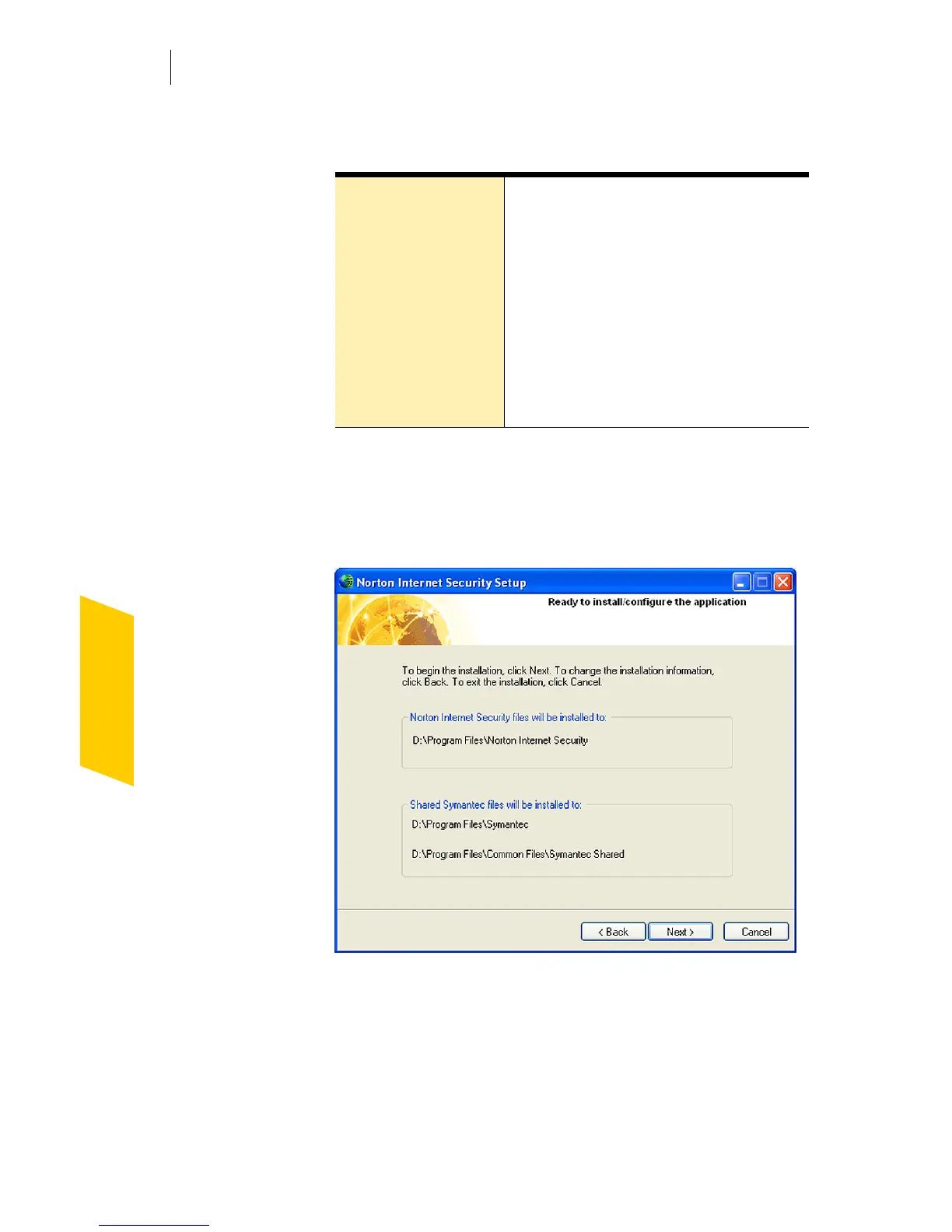
15 Confirm the installation location, then click Next to
install Norton Internet Security.
The Norton Internet Security Setup window displays
installation progress. Depending on your computer
system speed, this can take a few minutes.
16 After Norton Internet Security is installed, read the
readme text, then click Next.
Install Now Install using the most common
settings. This is the best choice for
most users.
Custom View a list of the components and
programs that will be installed,
and add or remove components
from the list.
See “Customize your installation” on
page 41.




 To Next Page