Installing Norton Internet Security
Install Norton Internet Security
41
17 Do one of the following:
2 To restart your computer now, click Restart Now
(recommended).
2 To restart your computer later, click Restart
Later.
Your computer is not protected until you restart.
18 Click Finish.
Customize your installation
During installation, if you select the Custom installation
type, you can select the component programs that you
want to install.
To customize your installation
See “Install Norton
Internet Security”
on page 37.
1 Start the Norton Internet Security installation
procedure.
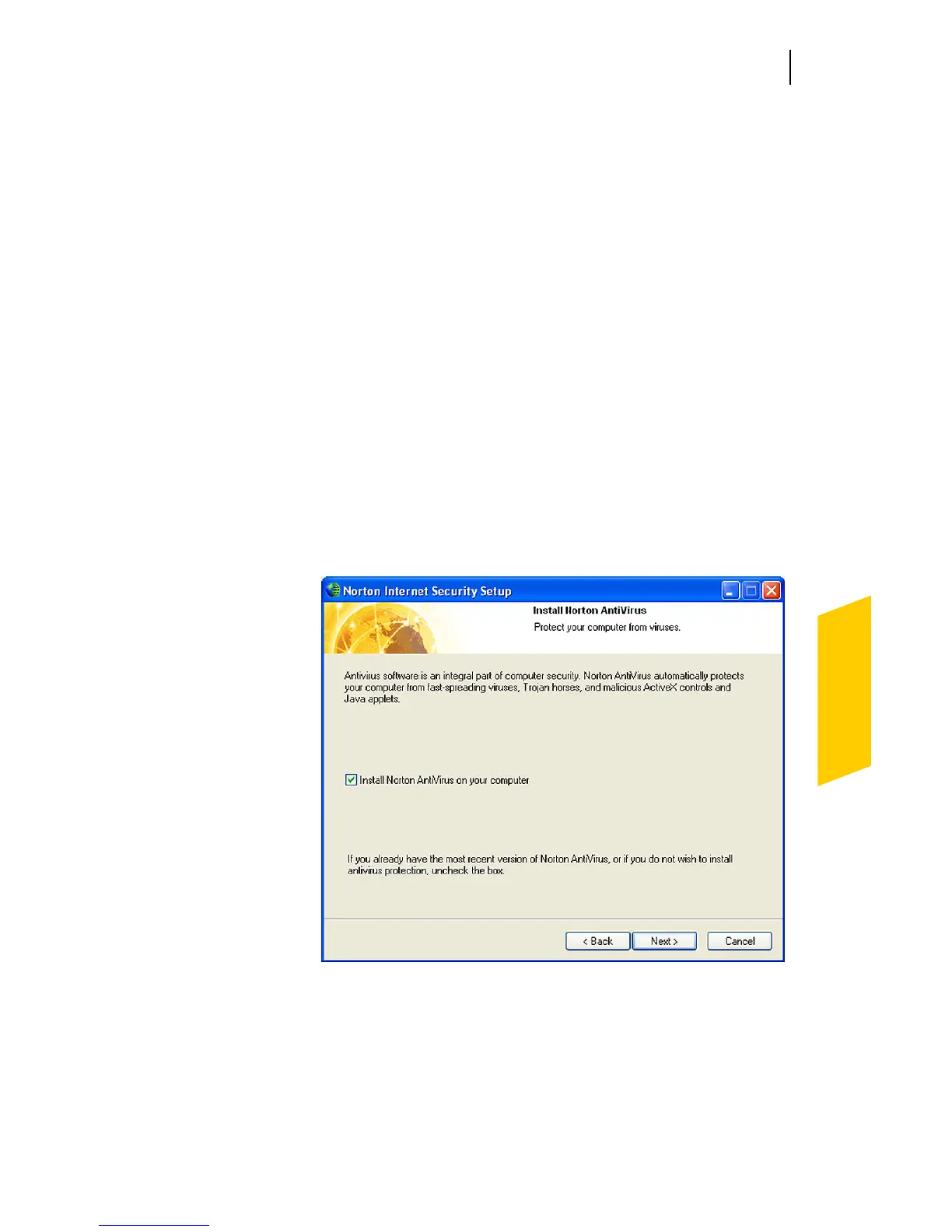
2 To install Norton AntiVirus, check Install Norton
AntiVirus on your computer, then click Browse to
specify the location in which you want it installed.
If an updated version of Norton AntiVirus is already
on your computer, this window does not appear.




 To Next Page