Basics
Manage how Norton AntiSpam detects spam
63
To add names to your allowed list
1 In the main window, double-click Allowed List.
2 In the Allowed List window, click Add.
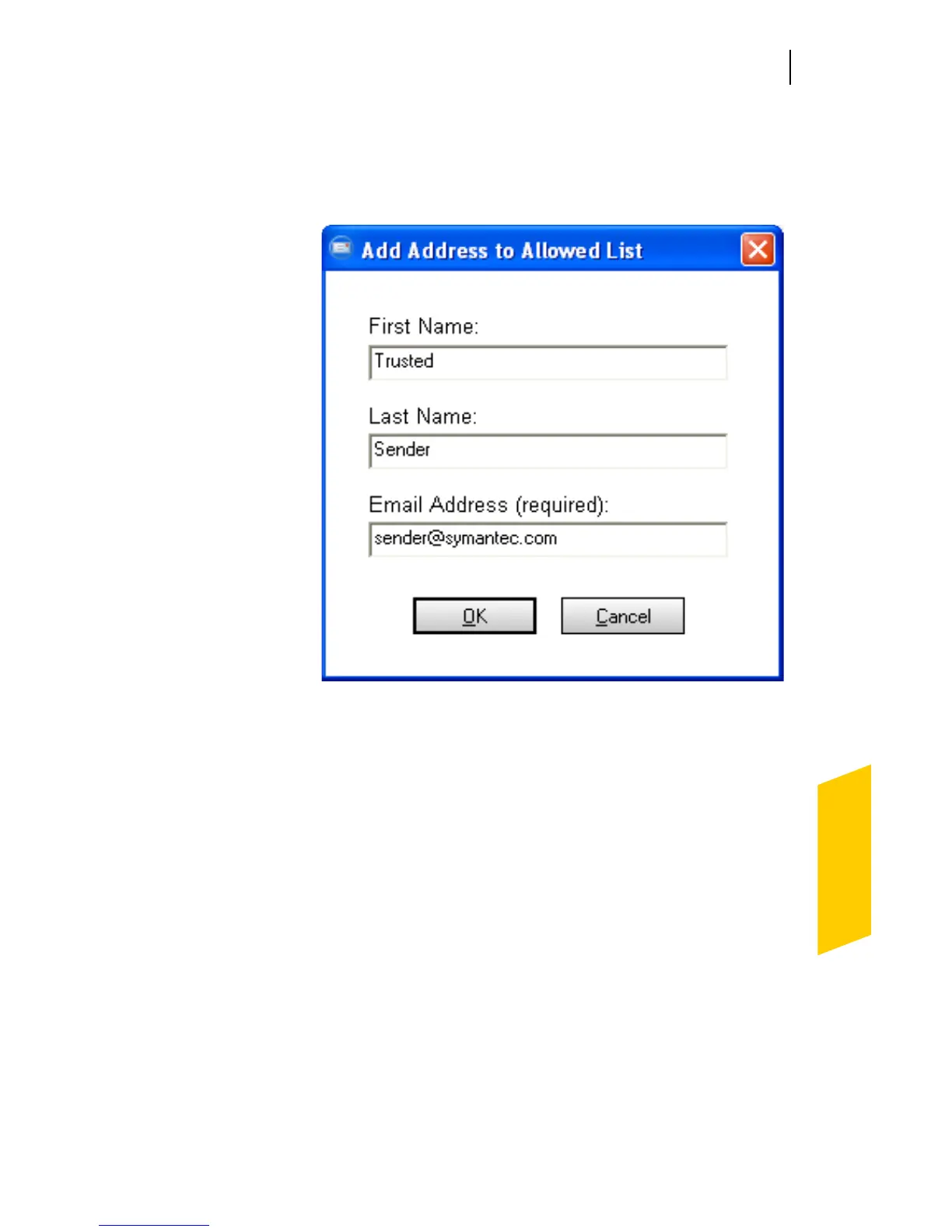
3 In the Add Address to Allowed List dialog box, type
the email address you want to allow and, optionally,
the first and last name of the sender.
4 Click OK to close the Add Address to Allowed List
dialog box.
5 Click OK to close the Allowed List window.
Identify senders of spam email messages
When you know that you do not want to receive any
email messages from a specific address, you can add it to
the Blocked List. Norton AntiSpam will mark all email
messages from this address as spam.




 To Next Page