Basics
Manage how Norton AntiSpam detects spam
64
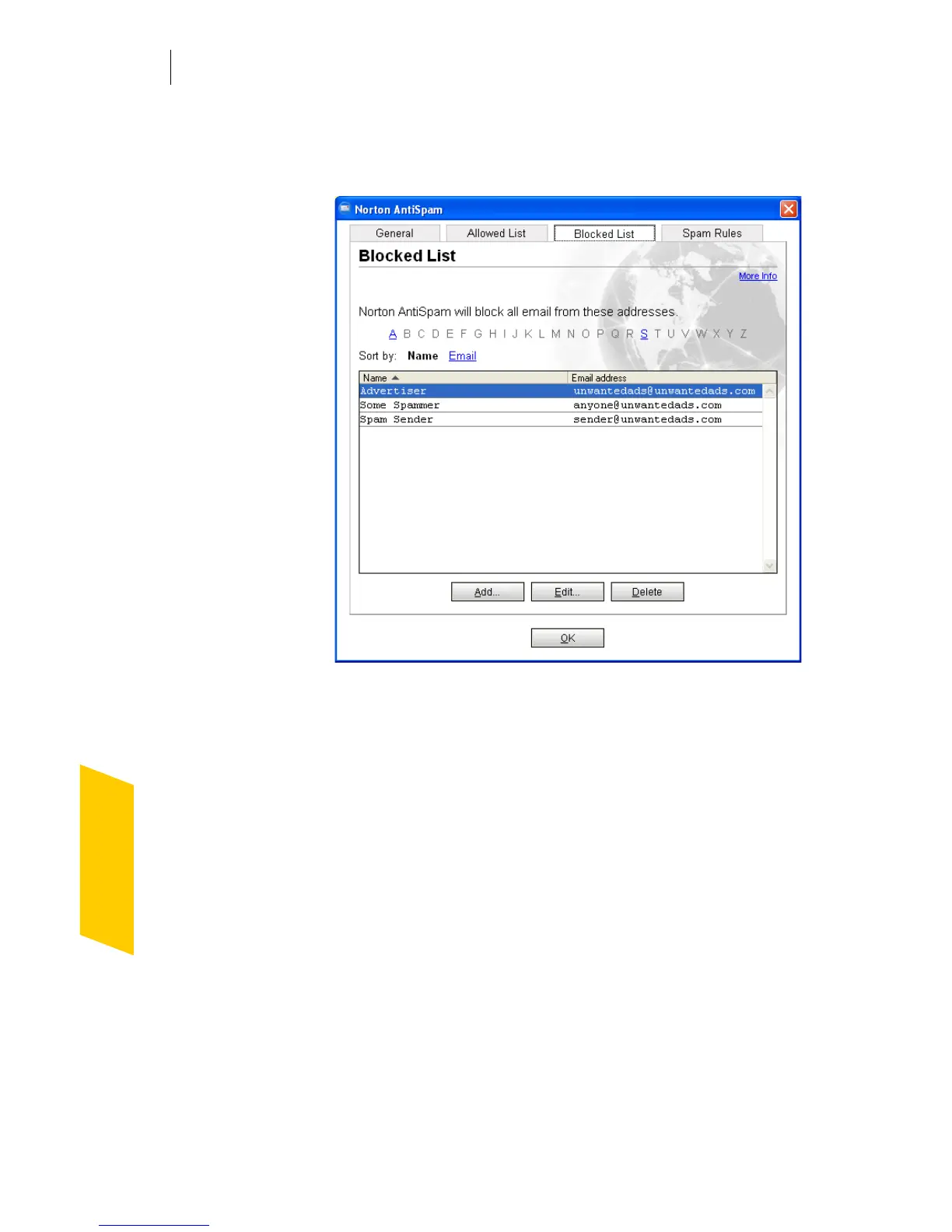
To add names to the Blocked List
1 In the main window, double-click Blocked List.
2 In the Blocked List window, click Add.
3 In the Add Address to Blocked List dialog box, type
the email address you want to block and, optionally,
the first and last name of the sender.
4 Click OK to close the Add Address to Blocked List
dialog box.
5 Click OK to close the Blocked List window.
Teach Norton AntiSpam your email preferences
Norton AntiSpam’s filtering engine attempts to identify
spam automatically by using your outgoing email to
determine your usual email correspondents. Over time,
you can train Norton AntiSpam to reflect your personal
preferences for receiving email more precisely.




 To Next Page