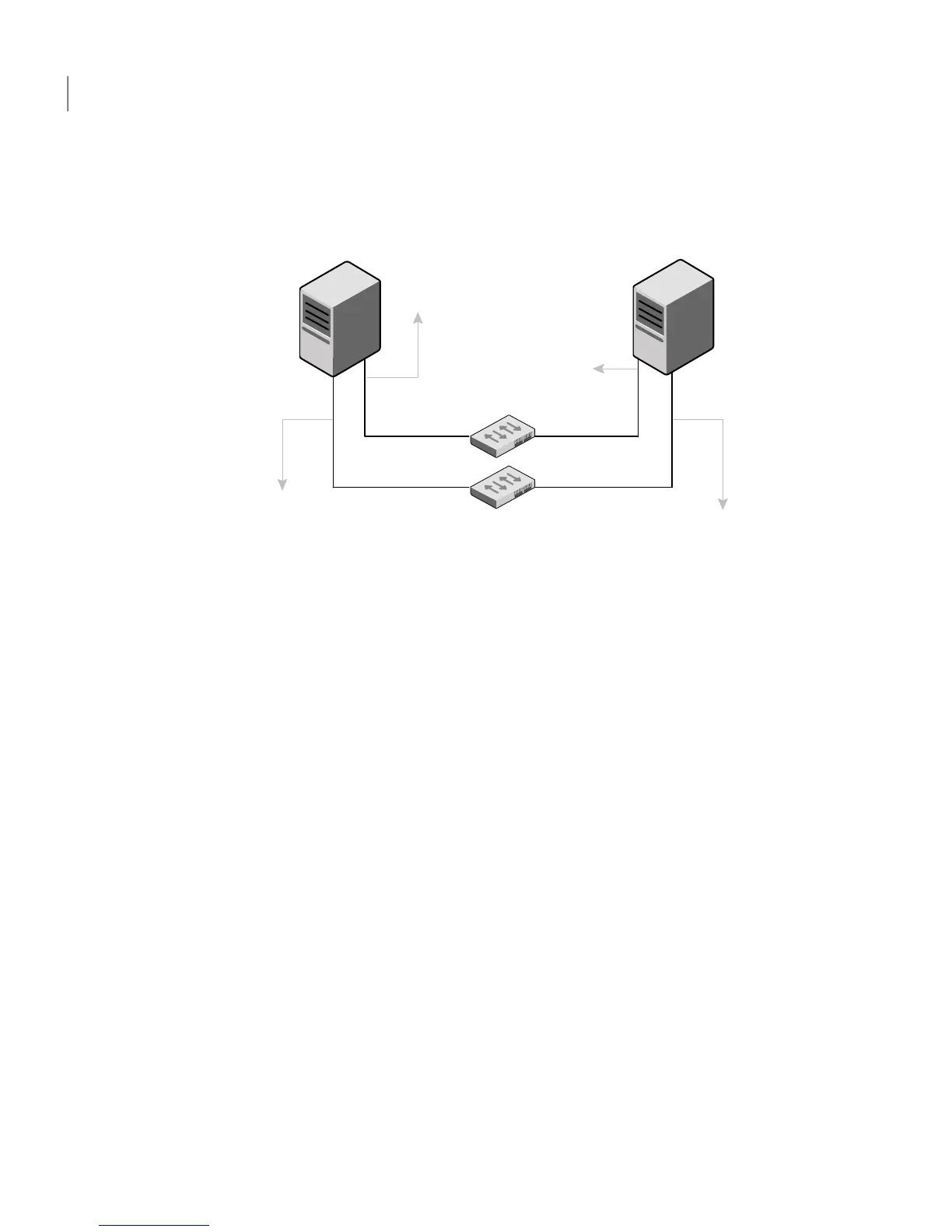
The configuration that the /etc/llttab file for Node 0 represents has directly
attached crossover links. It might also have the links that are connected through
a hub or switch. These links do not cross routers.
LLT broadcasts requests peer nodes to discover their addresses. So the addresses
of peer nodes do not need to be specified in the /etc/llttab file using the set-addr
command. For direct attached links, you do need to set the broadcast address of
the links in the /etc/llttab file. Verify that the IP addresses and broadcast addresses
are set correctly by using the ifconfig -a command.
set-node Node0
set-cluster 1
#configure Links
#link tag-name device node-range link-type udp port MTU \
IP-address bcast-address
link link1 udp - udp 50000 - 192.1.2.1 192.1.2.255
link link2 udp - udp 50001 - 192.1.3.1 192.1.3.255
The file for Node 1 resembles:
set-node Node1
set-cluster 1
#configure Links
#link tag-name device node-range link-type udp port MTU \
IP-address bcast-address
Advanced VCS installation topics
Using the UDP layer for LLT
162



 To Next Page