Configure the cluster in secure mode
Review AT concepts and gather required information
Install root broker on a stable system
Select a mode to
configure the
cluster in secure
mode
Does the root
broker allow you
to login without
password
Automatic mode
On the root broker system,
create encrypted file (BLOB) for
each node
Copy encrypted files to the
installation system
Set up passwordless
communication between nodes
No action required
Copy root_hash file from the
root broker system to the
installation system
Gather information to answer
prompts
Set up passwordless
communication between nodes
Manual mode
Semiautomatic
mode
Enable LDAP authentication plugin if VCS users belong
to LDAP domain
On the root broker system, create authentication broker
identities for each node
No No
Yes
Automatic mode
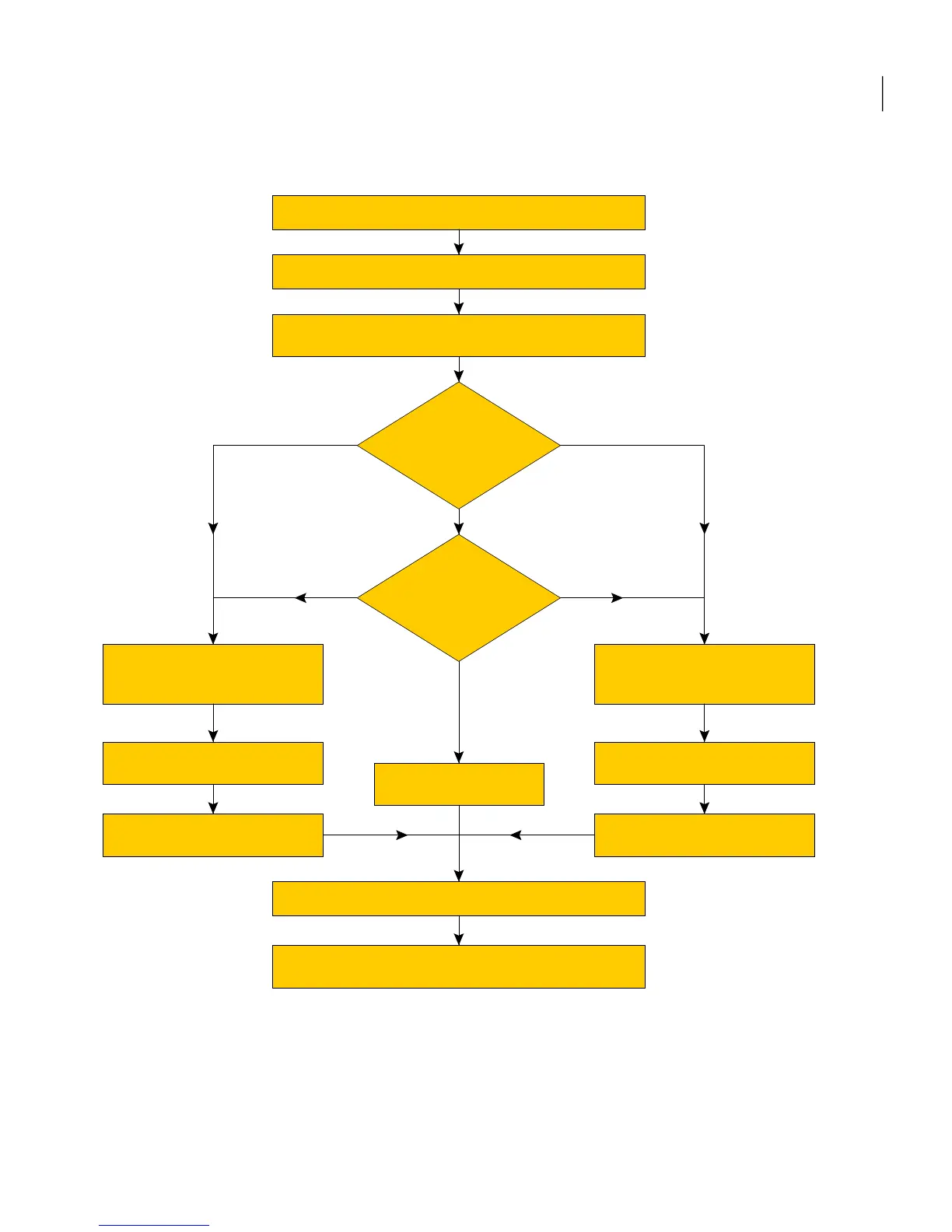
Table 3-1 lists the preparatory tasks in the order which the AT and VCS
administrators must perform.
31Preparing to install VCS
Preparing to configure the clusters in secure mode



 To Next Page