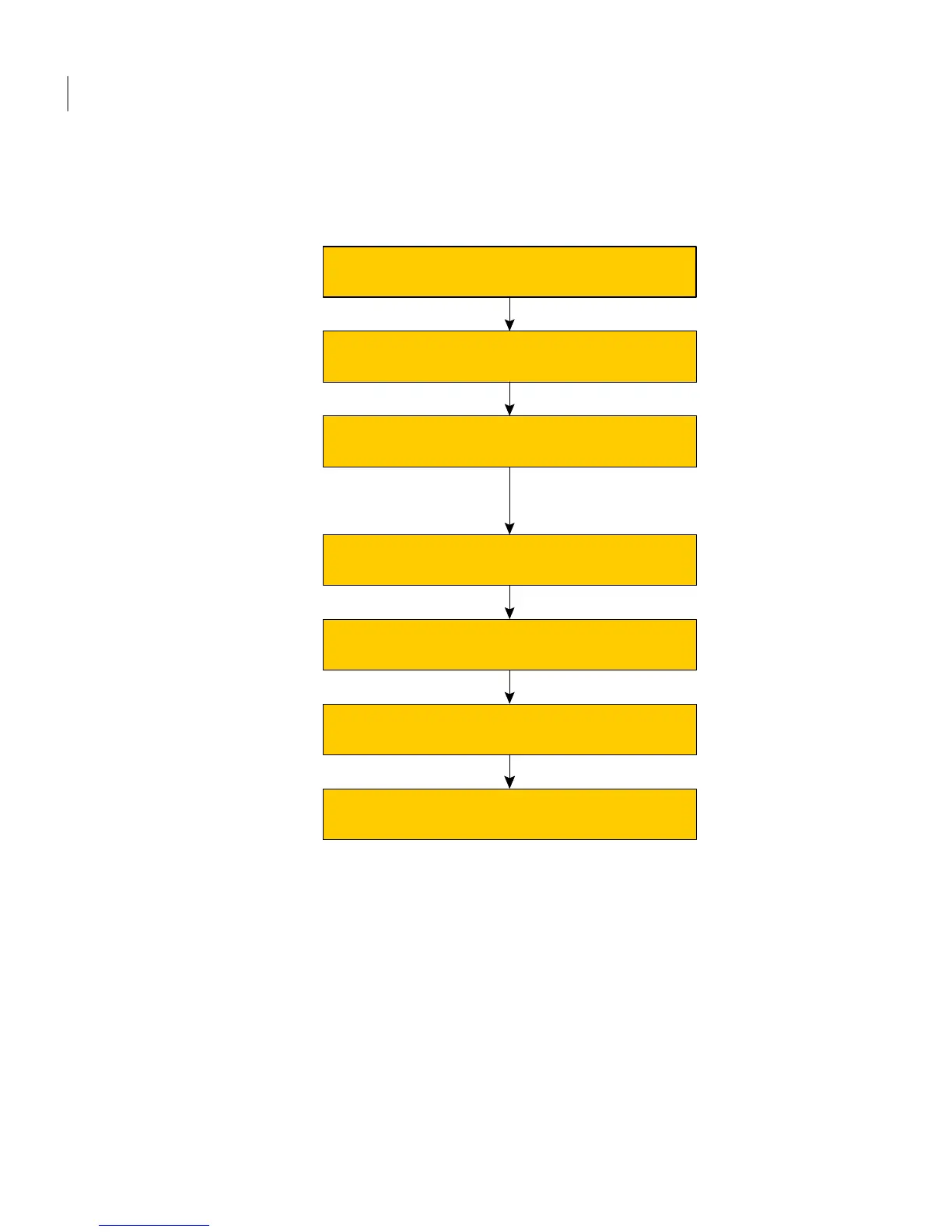
Initialize disks as VxVM disks
Identify disks to use as coordinator disks
Set up coordinator disk group
Create I/O fencing configuration files
Modify VCS configuration to use I/O fencing
Verify I/O fencing configuration
Check shared disks for I/O fencing compliance
Preparing to set up I/O fencing
Setting up I/O fencing
See “Preparing to configure disk-based I/O fencing” on page 92.
See “Setting up disk-based I/O fencing manually” on page 99.
I/O fencing requires the coordinator disks be configured in a disk group. The
coordinator disks must be accessible to each node in the cluster. These disks enable
the vxfen driver to resolve potential split-brain conditions and prevent data
corruption.
Review the following requirements for coordinator disks:
■ You must have three coordinator disks.
The coordinator disks can be raw devices, DMP devices, or iSCSI devices.
You must use DMP disk policy for iSCSI-based coordinator disks.
Configuring VCS clusters for data integrity
About setting up disk-based I/O fencing
90



 To Next Page