WiseScript Package Editor Reference 82
Creating WiseScript Installations
See:
The WebDeploy Process on page 82
Creating a WebDeploy Installation on page 82
Uploading a WebDeploy Installation to the Web on page 84
The WebDeploy Process
See also:
WebDeploy on page 81
Creating a WebDeploy Installation
The WebDeploy™ page lets you enable an installation for distribution through the Web.
You do this by setting options for compiling the installation and for connecting to the
Web server that will contain the installation files.
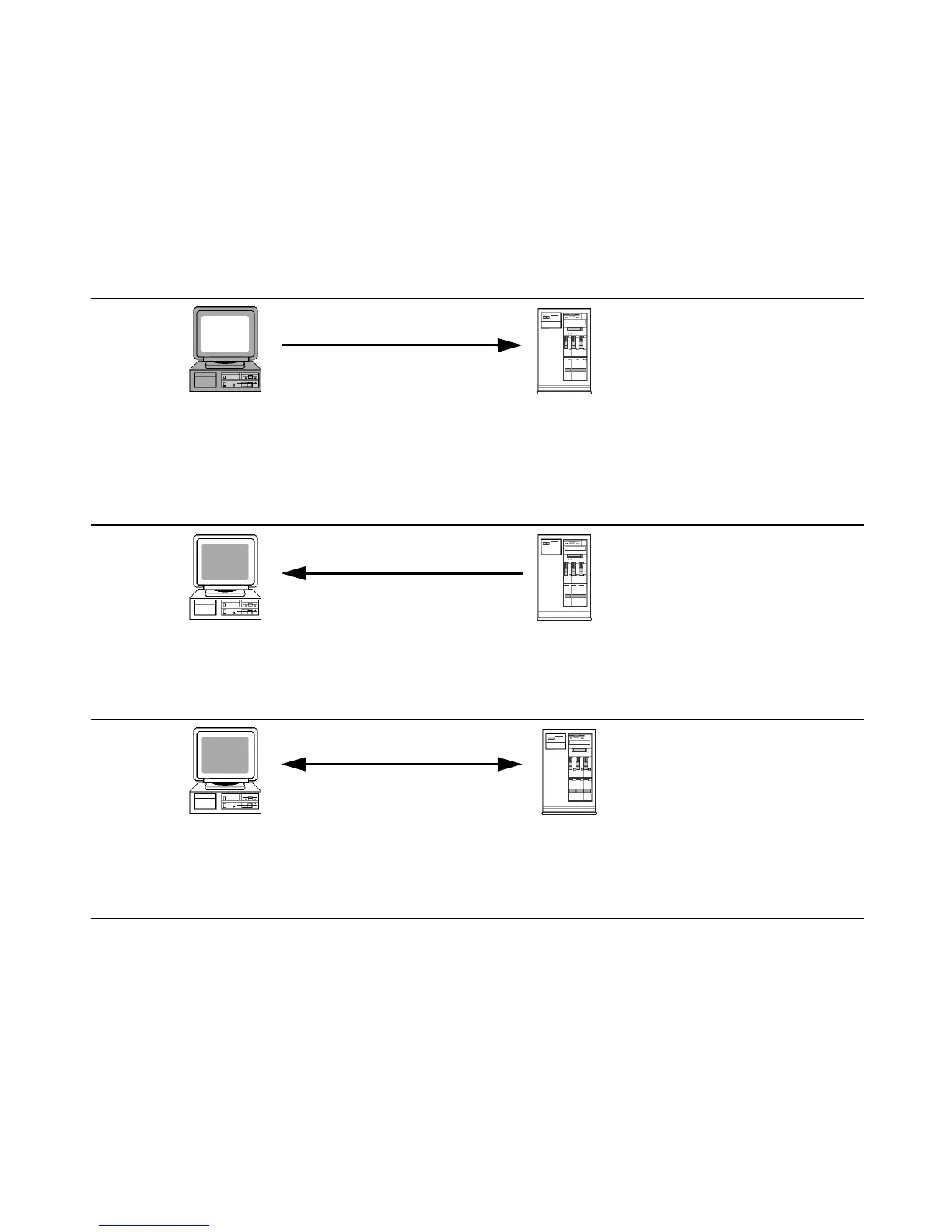
When you develop the installation, you:
z Configure WebDeploy by specifying the location of
installation files on the Web server
z Compile the installation
z Upload the installation files to the Web server
z Notify end users of the Web link to the .EXE
Your Computer
Your Internet Host (FTP/HTTP) Server
z Contains the installation
The installation is copied to the host
but is not used yet
The installation and its pieces are
stored in an .EXE file plus files named
.001, .002, and so on
Phase 1:
Upload files through FTP
(HTTP Protocol)
Destination Computer
Phase 2:
The end user:
z Runs the installation .EXE from your Web server
Your Internet Host (FTP/HTTP) Server
z Contains the installation .EXE and other
files
When the end user runs the .EXE, it:
z Runs an installation wizard
z Determines which pieces of the application are needed
z Downloads and installs the appropriate pieces of the application
(HTTP Protocol)
Your Internet Host (FTP/HTTP) Server
z Contains the pieces of an installation
ready for download
z Contains the new installation and its
ReadMe
Phase 3:
Destination Computer




 To Next Page