10
Ring Barcode Scanner
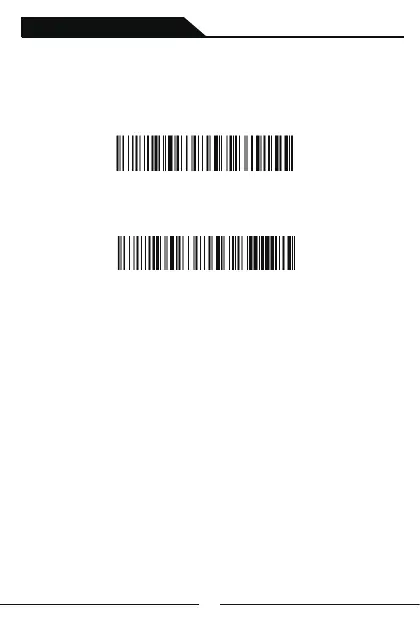
2nd:Scanning following setting code
3rd:Insert the 2.4G wireless receiver into USB port in your device.
One beep show that scanner and receiver connected.
Pairing steps with receiver
Notes:When the scanner is entered 2.4G pairing status and it does not
get connected with your device within 1 minutes,it will beep twice lowly
and longly.You need to repeat above-mentioned 3 steps to make it connect
with you device.(When the scanner is in the 2.4G pairing status,
double-click can make it exit the pairing mode).
1st:Scanning following setting code



 To Next Page