18
Ring Barcode Scanner
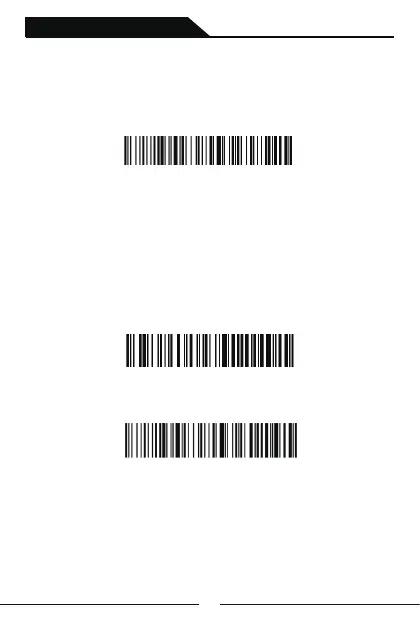
3rd:Scanning following setting code to set the name as default.
Change Bluetooth Name
1st:Scanning following setting code”Change BT Name”
Change BT Name
2nd:Scanning a customized codes which its data is the name you want.
You can generate a customized code via barcode generator,like label shop.
Or you also can contact with us to generate a code for you.
For example:Folowing barcode’s data is “Scanner123”,after you
scanned it,the bluetooth name of your scanner will be changed to
“Scanner123”.
Scanner123
Save Setting



 To Next Page