17
Ring Barcode Scanner
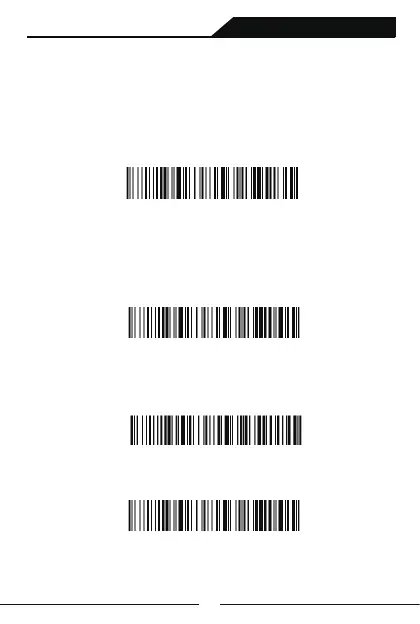
Clear Total Number Setting
CLear Total Number of Scans
Clear Total Number of Stores
Scanning following setting code to upload the data you have scanned to
your device via bluetooth,2.4G wireless or USB.
Notes:Making sure that scanner is got connected with your device.
After uploading data,the data which have been stored in the scanner
will not be deleted from the scanner
Upload Data
Scanning following setting code to clear all the data which is stored in the
scanner.All data will be deleted after scanning setting code”Clear Data”,
so please confrim that you have uploaded those data to your device if you
need them.
Clear Data



 To Next Page